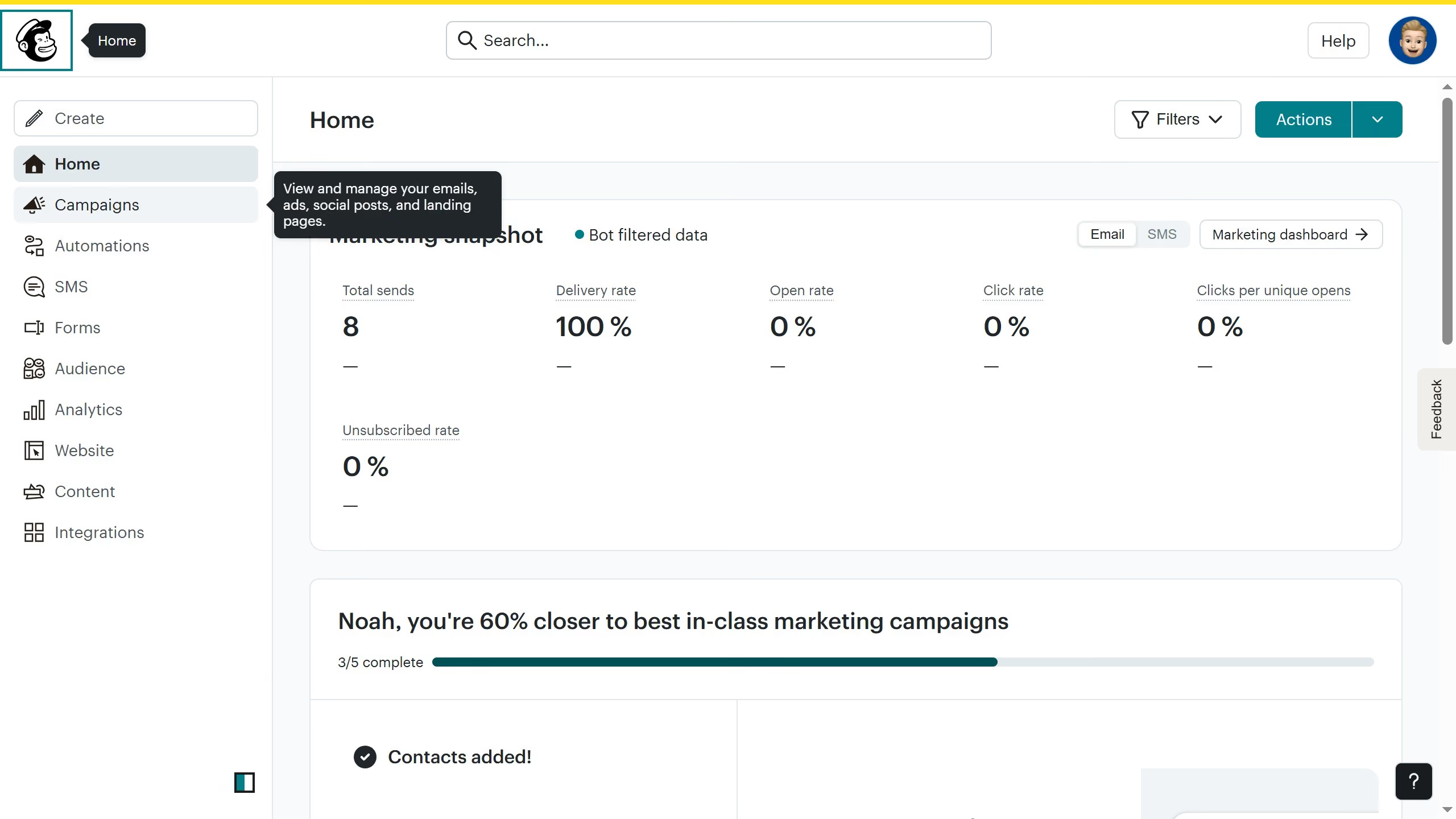
Here is how to upload content in mailchimp
- First click on the "Content" section in the left sidebar to view the dashboard
- After that click on "Upload" button in the content main menu to access your the files in your desktop


Create your own interactive guide with Guideflow
Mailchimp stands as a premier platform for simplifying email marketing and automating communication with your audience.
Uploading content in Mailchimp is an intuitive process that provides seamless integration of your creative materials into email campaigns. This feature lets you effortlessly incorporate images, text, and other media, enhancing the visual appeal and engagement rate of your newsletters.
By using Mailchimp for uploading content, you ensure consistent branding across your marketing efforts, save time, and enjoy the benefits of a streamlined workflow that supports your marketing objectives with efficiency.
Why leading companies build with Guideflow