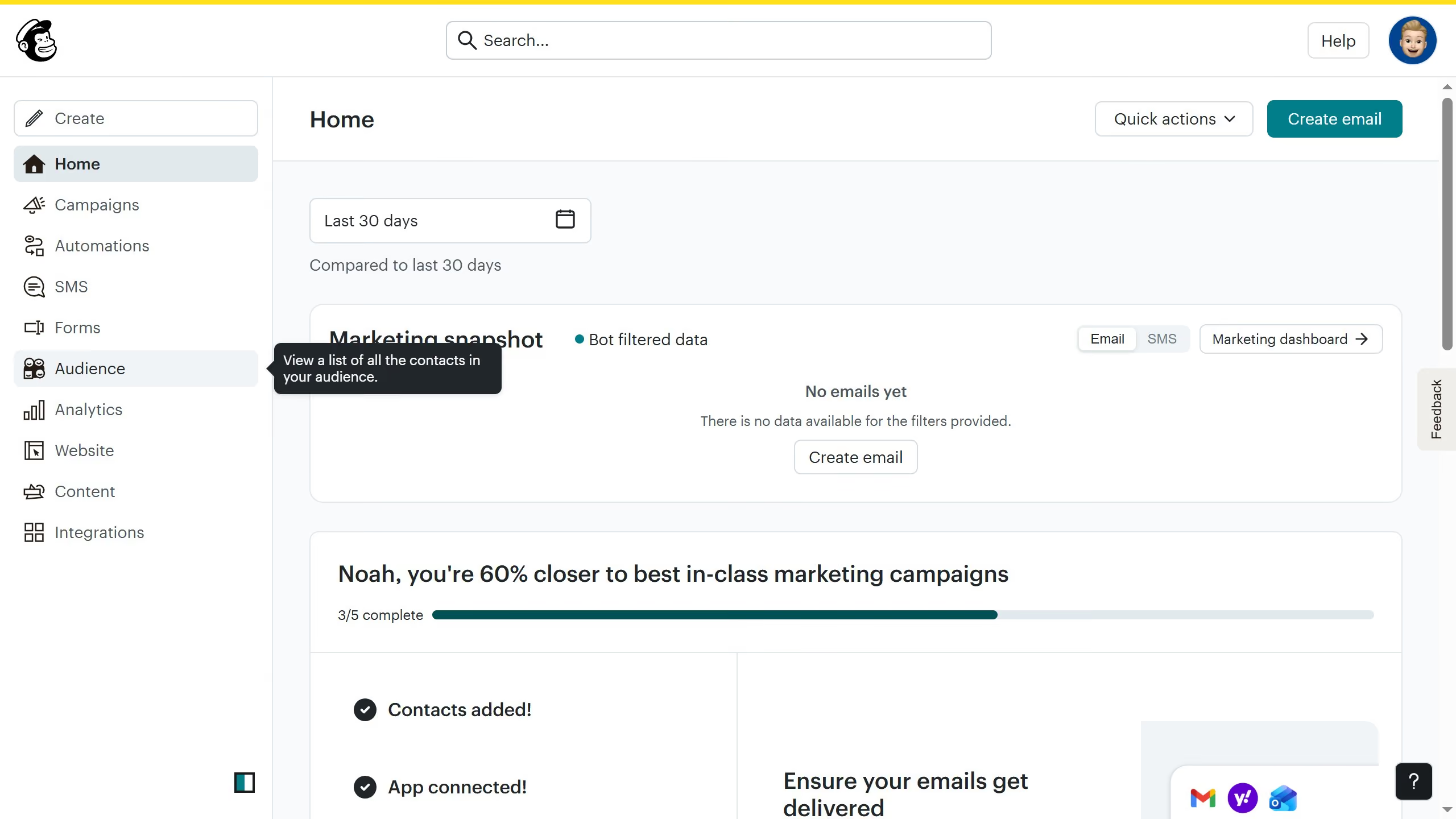
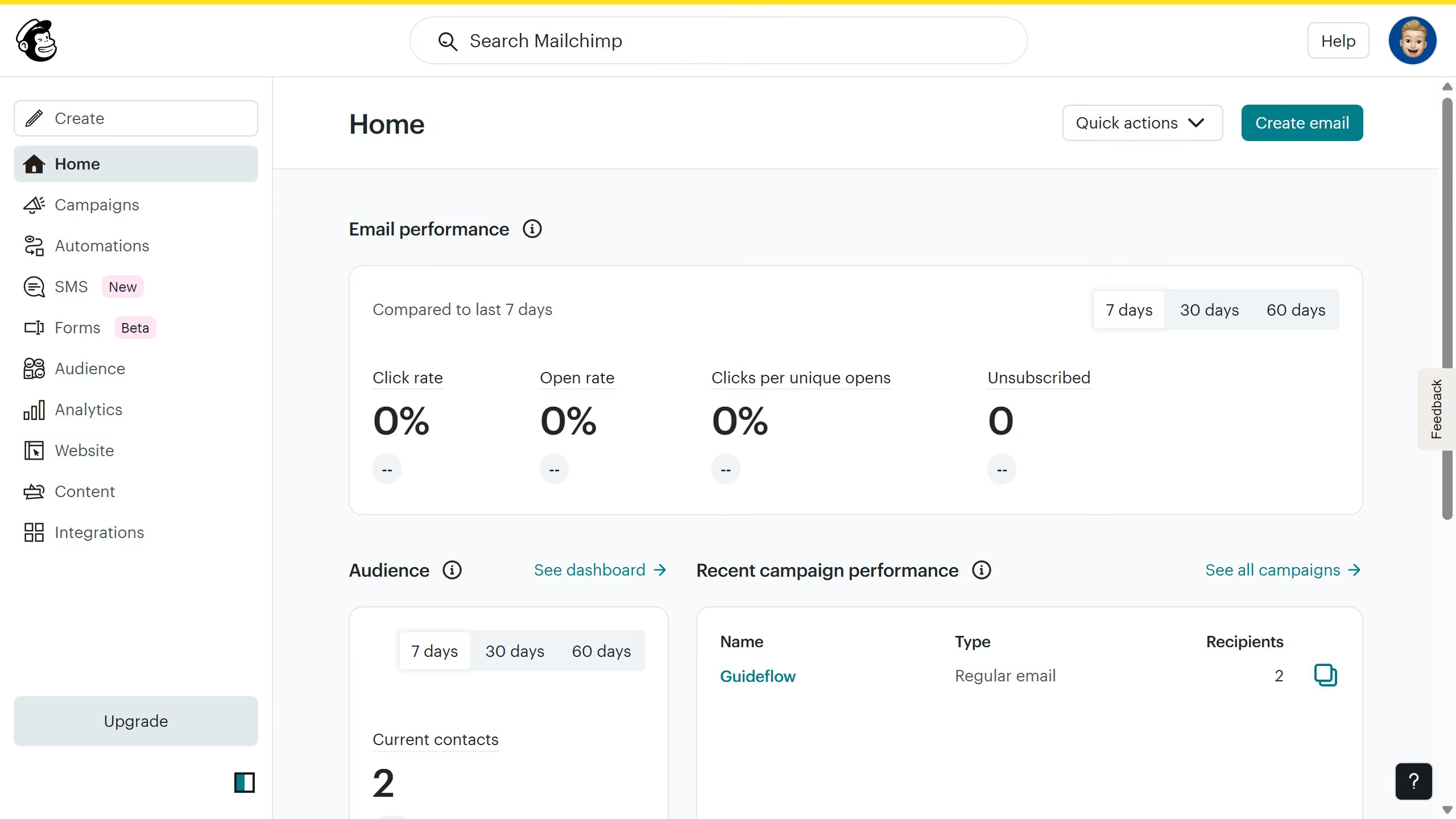
Here is how to upload a content in mailchimp
- First click on the "Content" section in the left sidebar to view the dashboard
- After that click on "Upload" button in the content main menu to access your the files in your desktop


Create your own interactive guide with Guideflow
Mailchimp is a versatile marketing platform designed to enhance email campaigns and automate communication strategies effectively.
Uploading content in Mailchimp offers a streamlined way to manage your marketing assets, ensuring your creative materials are always right at your fingertips. This feature allows users to efficiently organize and access emails, images, and other campaign content.
By utilizing this capability, you can maintain consistent branding and ensure every campaign element is strategically deployed, maximizing engagement and reaching your audience flawlessly.
Why leading companies build with Guideflow