How to rename a landing page in Mailchimp
Here is how to rename a landing page in mailchimp
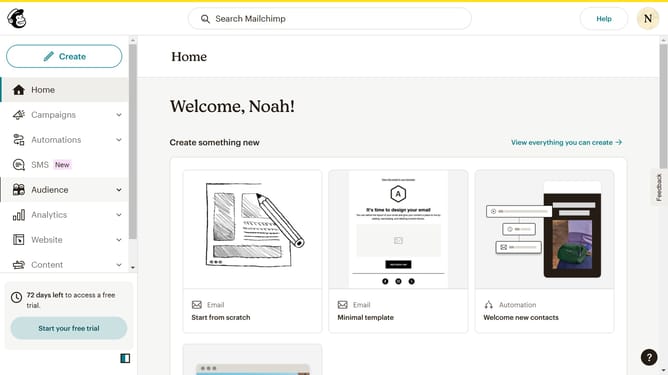
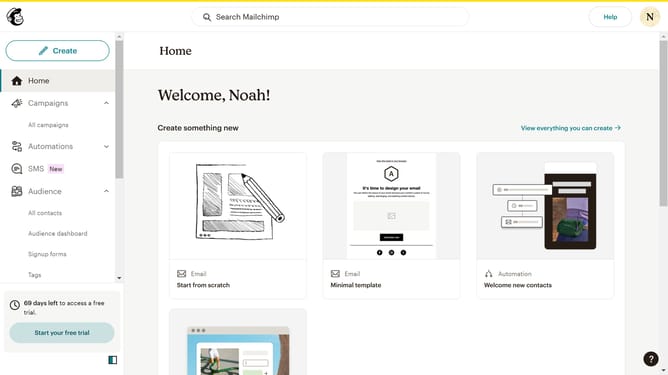
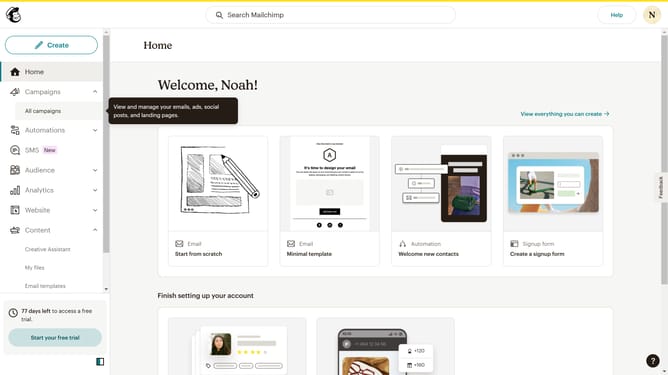
- First click on the "Campaigns" item in the left sidebar
- Then click on the "more actions" button
- Next, select the "Rename" option
- Click the "Landing page name" field and enter the new name
- Finally click on the "Save" button
Why should you rename a landing page in Mailchimp
Mailchimp is a powerful marketing platform that helps businesses effortlessly manage and connect with their audience through email campaigns.
Renaming a landing page in Mailchimp is a straightforward feature that enhances organization and brand consistency. By updating the name, users can easily keep track of their campaigns and ensure alignment with current marketing strategies.
Taking advantage of the naming feature in Mailchimp provides clarity and streamlined communication within teams, ultimately leading to more efficient marketing efforts.
Last update