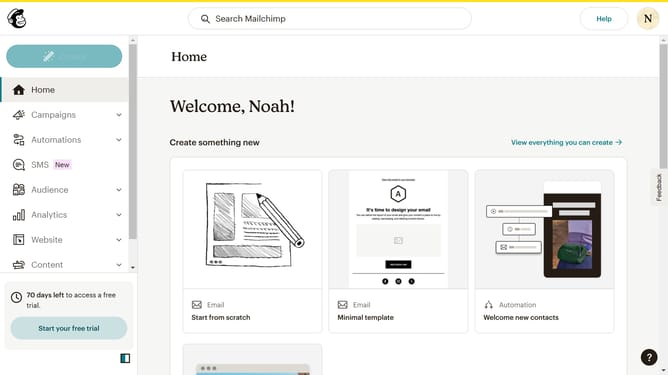
How to delete contacts in Mailchimp
Here is how to delete contacts in mailchimp
- First click on the "Audience" item in the left sidebar menu
- Then click on "All contacts" in the left sidebar submenu
- Next click on the checkbox next to the email address of the contact you want to delete
- Then click on the "More actions" menu button (three dots) in the top actions bar
- Select "Delete" option from the dropdown menu
- Click on the radio button for "They asked me to and I must comply with privacy laws like GDPR/CCPA"
- Click the "Continue to delete" button
- Click the checkbox "I understand these contacts can never be re-imported again"
- Type "PERMANENTLY DELETE" in the confirmation text field
- Finally click the "Permanently delete" button to complete the deletion process
Why should you delete contacts in Mailchimp
Mailchimp is a versatile platform designed to streamline email marketing efforts and enhance customer engagement.
The feature of deleting contacts in Mailchimp brings clarity and efficiency to your subscriber list management. By letting you remove unnecessary or outdated contacts, it ensures that your communications are targeted and relevant.
This functionality enhances your email marketing effectiveness by allowing you to focus on an engaged audience, ultimately leading to better open rates and a more personalized experience for subscribers.
Last update