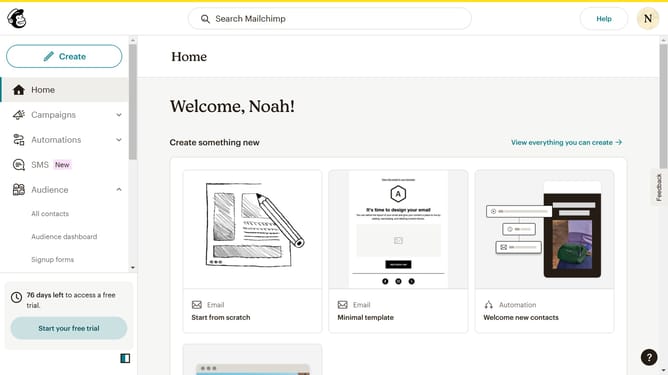
How to access audience overview in Mailchimp
Here is how to access audience overview in mailchimp
- First click on "Audience" in the left sidebar menu
- Next click on the "More options" dropdown button in the top-right corner of the Contacts page
- Then select "Groups" from the dropdown menu that appears
Why should you access audience overview in Mailchimp
Mailchimp is a powerful tool designed to elevate your email marketing strategies through automation and analytics.
Accessing the audience overview in Mailchimp allows marketers to gain valuable insights into their subscriber base. Seeing a snapshot of your audience helps you understand engagement levels, demographic trends, and overall list growth.
The benefit of using the audience overview is that it empowers data-driven decisions, optimizing campaigns and enhancing communication strategies with your audience more effectively.
Last update