How to change column border color in a free email campaign in Mailchimp
Here is how to change column border color in a free email campaign in mailchimp
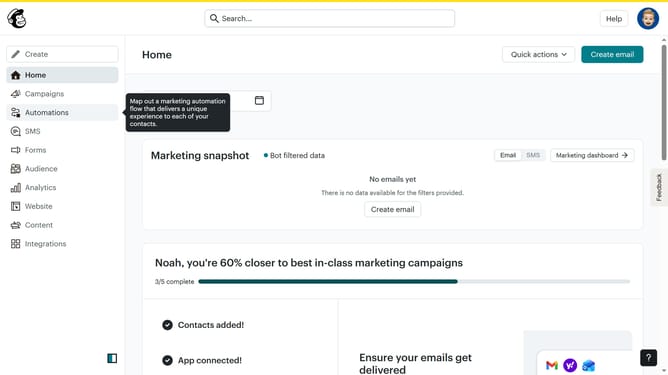
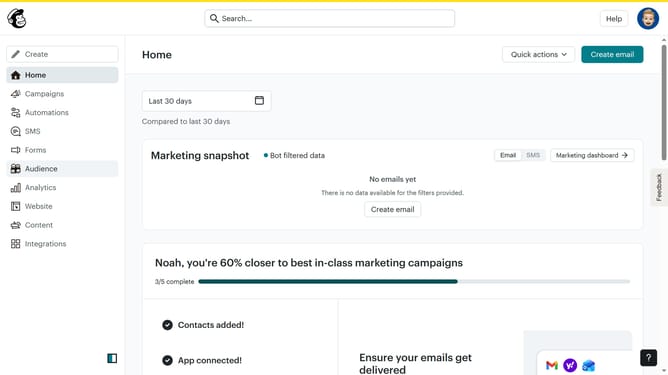
- First click on "Home" in the left sidebar menu
- Then click on "Edit" button
- Click on "Edit design" button in the bottom right corner of the screen
- Click on the column that you want to manage
- Click on the color circle icon
- Finally select the a circle color from color palette pop up
Why should you change column border color in a free email campaign in Mailchimp
Mailchimp is an intuitive platform designed to elevate email marketing efforts through seamless management and customization.
Changing the column border color in a free email campaign on Mailchimp can significantly enhance your email's visual appeal. A customized border color not only makes your campaign more visually striking but also ensures your brand identity is consistently communicated.
This feature allows a unique separation of content areas, making your message clear-cut and visually compelling. These simple design tweaks can increase reader engagement, ultimately enhancing the effectiveness of your campaign.
Last update