Mailchimp
Mailchimp is an email marketing and automation platform for customer engagement.
Website
Industry
Email
Share this article:

How to create an open text block on a survey in Mailchimp

Here is how to create an open text block on a survey in mailchimp

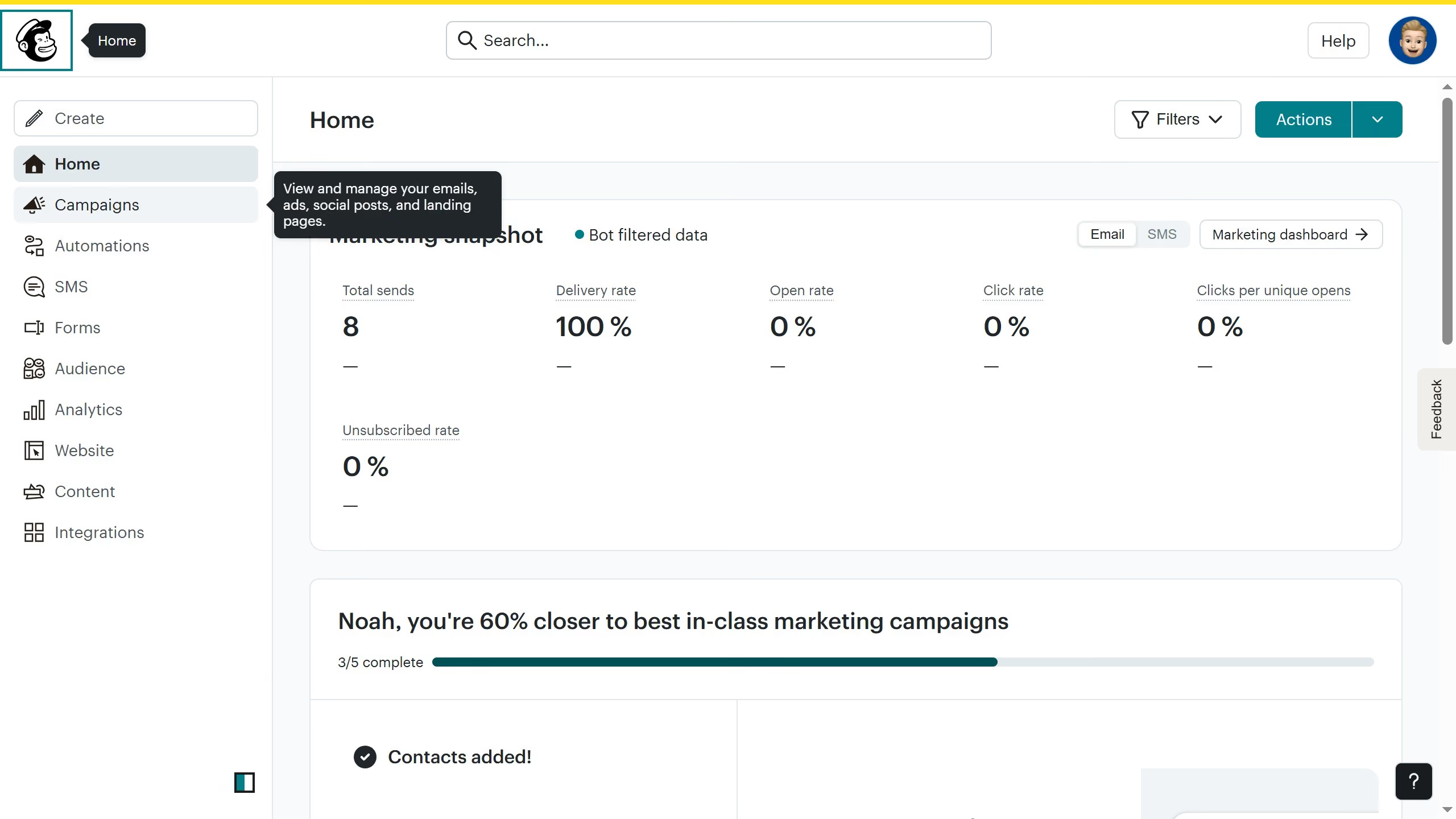
  1. First click on "Audience" item in the left sidebar menu
  2. Then click on "Surveys" link in the expanded Audience menu
  3. Next click on "Create new survey" button in the top right corner
  4. Then click on the survey name input field
  5. Next enter "Sample Survey" in the survey name field
  6. Then click on the Audience dropdown menu
  7. Next click on "Begin" button to start creating the survey
  8. Then click on the "Add question" button in the center of the question types slider
  9. Finally select the "Open text" button in the question types dropdown menu

Create your own interactive guide with Guideflow

Why should you create an open text block on a survey in Mailchimp

Mailchimp is a dynamic platform designed to empower businesses in managing and optimizing their marketing efforts.

Incorporating an open text block in a Mailchimp survey allows you to capture detailed, unstructured responses from your audience.

This feature enhances your ability to gather nuanced insights, revealing customer sentiments and suggestions that multiple-choice questions might miss.

By leveraging open text blocks, you enable respondents to express opinions freely, facilitating deeper analysis and fostering improved customer engagement.


Last update
June 10, 2026
Cursor MariaA cursor points to a button labeled "James."

Create your first demo in less than 30 seconds.