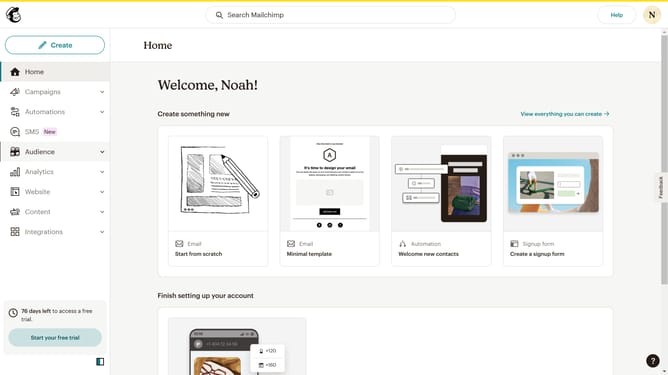
How to add an emoji on a campaign in Mailchimp
Here is how to add an emoji on a campaign in mailchimp
- First click on "Campaigns" in the left sidebar menu
- Then click on "WIP" campaign from the campaign list
- Next click on the expand button in the "Subject" section of the email form
- In the subject line field, click to start entering text
- Click the emoji button to open the emoji selector panel
- Click the search text field in the emoji selector panel to search your preferred emoji
- In the emoji panel, click to select the calendar icon from the "Objects" section
- Finally click the "Save" button to save the subject line changes
Why should you add an emoji on a campaign in Mailchimp
Mailchimp is the go-to platform for simplifying your email marketing endeavors, offering creative tools to enhance engagement.
Adding an emoji to your campaign through Mailchimp is a feature that adds a sprinkle of personality and relatability to your communications.
Emojis can capture attention, evoke emotion, and make your messages memorable, fostering a deeper connection with your audience.
Incorporating them can enhance engagement rates, making your campaigns more effective and enjoyable for recipients.
Last update