How to change the website of your profile in Mailchimp
Here is how to change the website of your profile in mailchimp
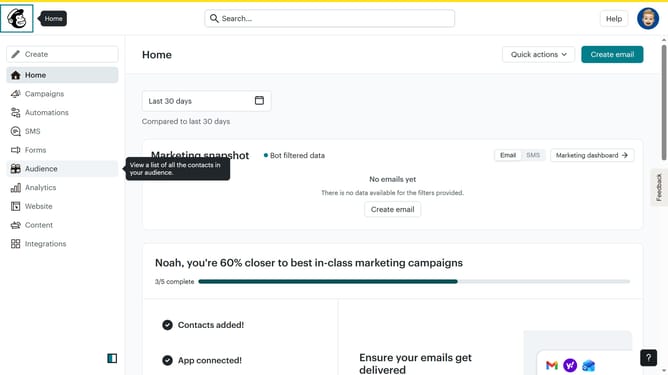
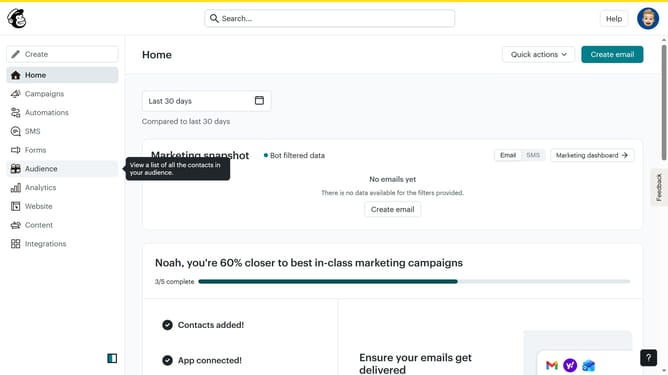
- First click on the user avatar icon in the top-right corner of the header
- Then select "Profile" option from the dropdown menu
- In the profile form, click on the website field and modify it to your preferred website link
- Finally click the "Update" button at the bottom of the basic information form
Why should you change the website of your profile in Mailchimp
Mailchimp is a dynamic platform designed to simplify email marketing for businesses of all sizes.
One standout feature is the ability to change the website link on your profile, providing enhanced flexibility. This allows you to keep your campaign connected and updated with your latest digital presence.
Having up-to-date website information on your Mailchimp profile ensures continuity across all communications. It enhances credibility and strengthens relationships with your audience by consistently aligning your brand message.
Last update