How to input radio button block on a survey in Mailchimp
Here is how to input radio button block on a survey in mailchimp
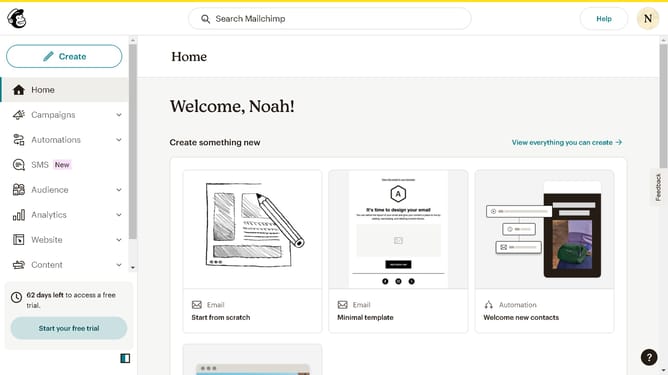
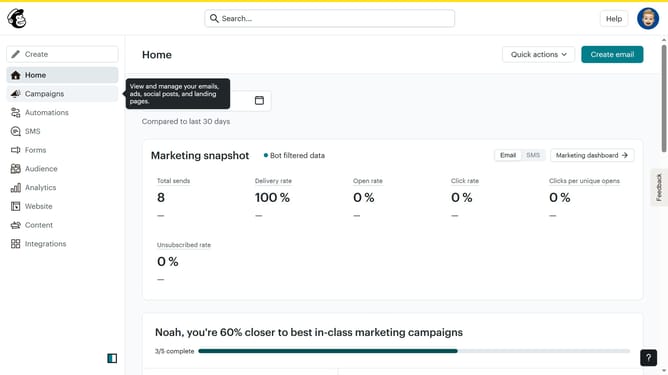
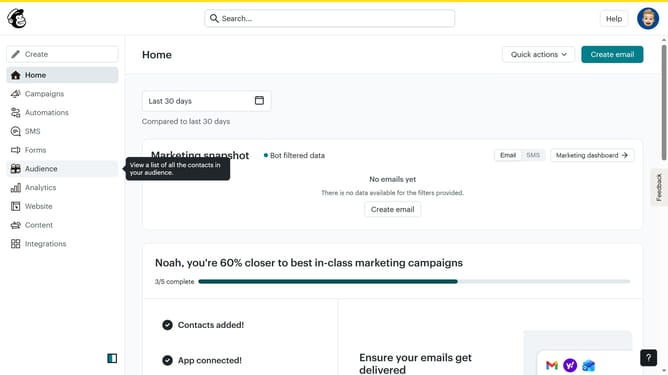
- First click on "Audience" item in the left sidebar menu
- Then click on "Surveys" link in the expanded Audience menu
- Next click on "Create new survey" button in the top right corner
- Then click on the survey name input field
- Next enter "Sample Survey" in the survey name field
- Then click on the Audience dropdown menu
- Next click on "Begin" button to start creating the survey
- Then click on the "Add question" button in the center of the question types slider
- Finally select the "Radio buttons" button in the question types dropdown menu
Why should you input radio button block on a survey in Mailchimp
Mailchimp is a powerful marketing platform designed to help businesses create effective email campaigns and surveys effortlessly.
Including a radio button block in a Mailchimp survey enhances your ability to gather specific, actionable feedback from your audience. This feature allows respondents to quickly select their preferred option from a list, streamlining the survey experience.
By utilizing radio button blocks, you can easily segment and analyze responses, leading to more tailored and insightful decisions for your marketing strategies.
Last update