How to add a GIF in Mailchimp
Here is how to add a gif in mailchimp
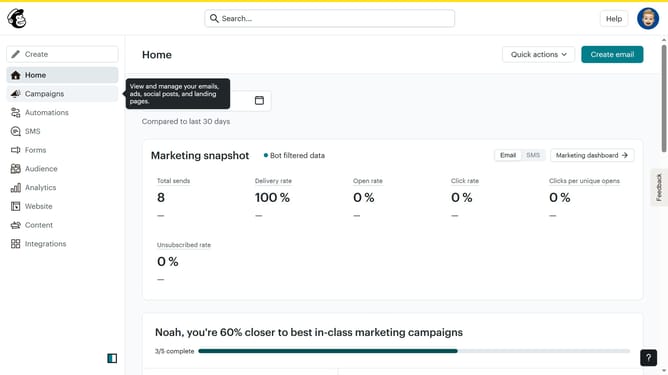
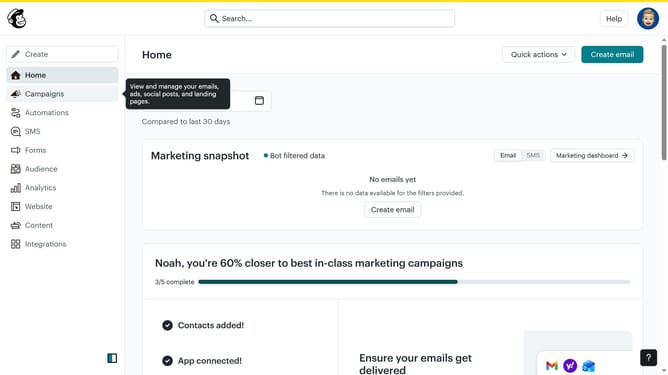
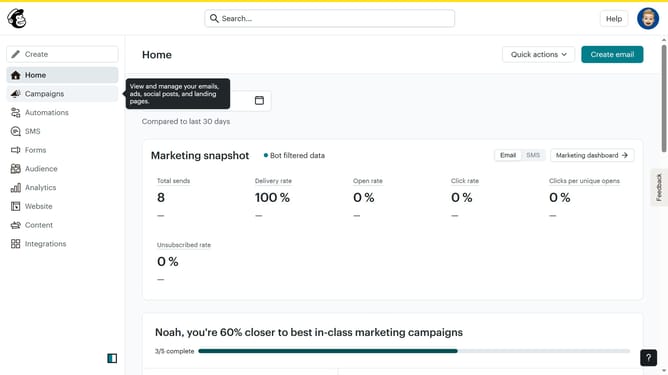
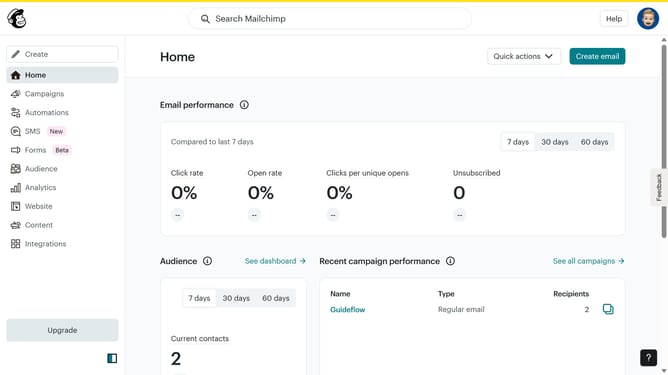
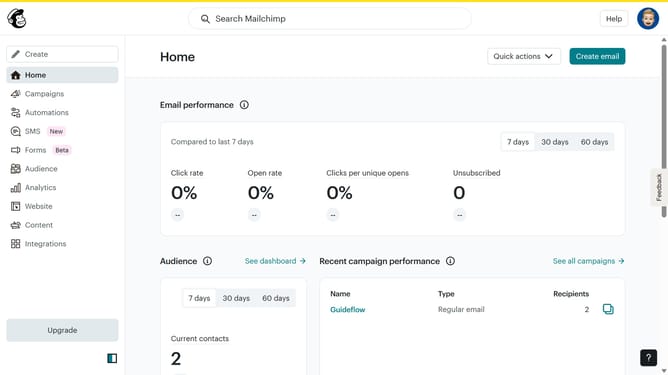
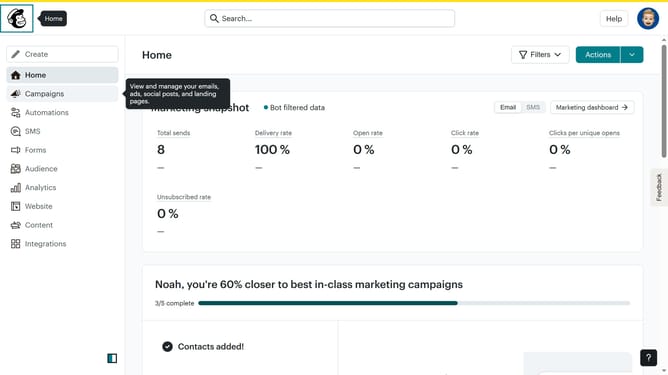
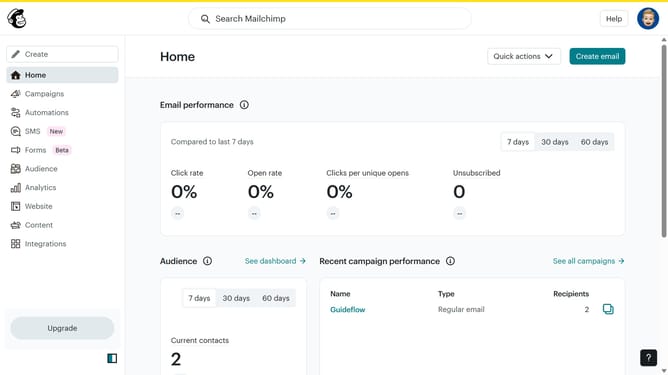
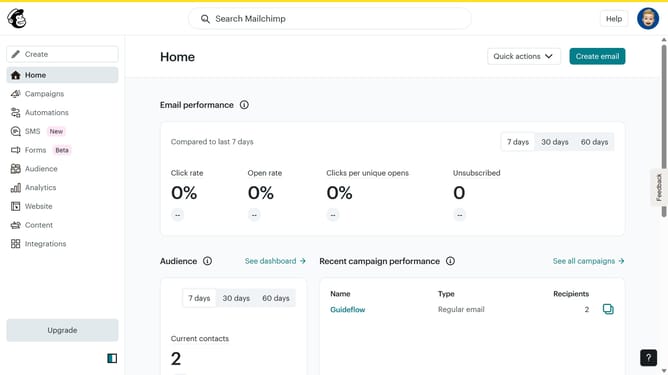
- First click on the "Create" button in the top-left corner of the main interface
- Then click on the "Design Email" button under the Regular email section
- Click on the empty image content area
- Click on the "Add" dropdown button in the left sidebar
- Select "Upload Image" option from the Add dropdown menu
- Finally click on the "Save and exit" button in the top-right corner of the email editor
Why should you add a GIF in Mailchimp
Mailchimp is a renowned email marketing platform designed to simplify and enhance your online communication efforts.
Incorporating a GIF into a Mailchimp campaign is a standout feature that adds vibrancy and engagement to your emails.
Using GIFs can effectively captivate audience attention, providing dynamic visual storytelling that surpasses static images.
This powerful feature enhances your messaging, making it more memorable and encouraging increased interaction with your content.
Last update