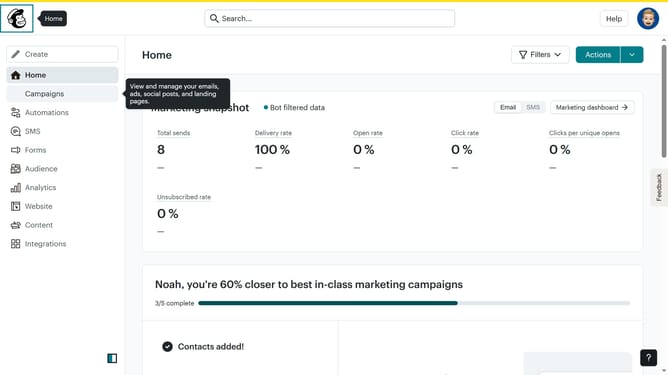
How to change filter your campaign status to scheduled in Mailchimp
Here is how to change filter your campaign status to scheduled in mailchimp
- First click on the "Campaign" button in the left sidebar navigation menu
- Then click on the "Type" dropdown filter in the campaign list header
- Finally select "Scheduled" option from the Status dropdown menu
Why should you change filter your campaign status to scheduled in Mailchimp
Mailchimp, a versatile marketing platform, helps businesses effortlessly manage and automate their email campaigns.
Changing the filter for your campaign status to "scheduled" in Mailchimp streamlines the oversight of upcoming email communications.
This feature allows for easy identification of campaigns that are queued to send, ensuring timely adjustments and strategic planning.
Ultimately, it enhances campaign management, fostering organizational efficiency and adaptability in an ever-evolving digital marketing landscape.
Last update