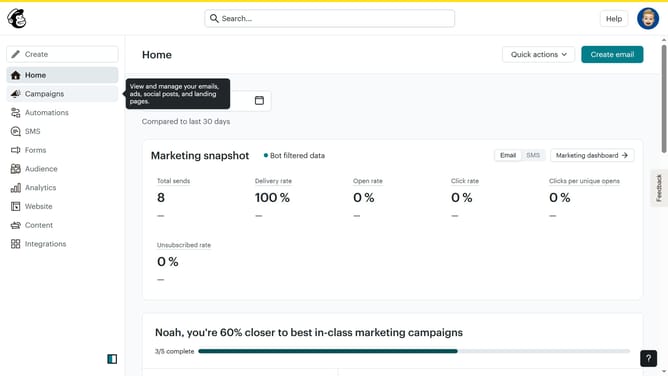
How to make an email block on a survey in Mailchimp
Here is how to make an email block on a survey in mailchimp
- First click on "Audience" item in the left sidebar menu
- Then click on "Surveys" link in the expanded Audience menu
- Next click on "Create new survey" button in the top right corner
- Then click on the survey name input field
- Next enter "Sample Survey" in the survey name field
- Then click on the Audience dropdown menu
- Next click on "Begin" button to start creating the survey
- Then click on the "Add question" button in the center of the question types slider
- Finally select the "Email" button in the question types dropdown menu
Why should you make an email block on a survey in Mailchimp
Mailchimp is a dynamic platform designed to streamline your marketing efforts with ease and precision.
One valuable feature to enhance your survey response rate is the ability to add an email block. Integrating this into a survey makes it possible to personalize communications, boosting engagement.
This addition not only enhances the user experience but also aids in building a more direct relationship with your audience.
The result is a more informed understanding of your respondents, paving the way for tailored communication strategies.
Last update