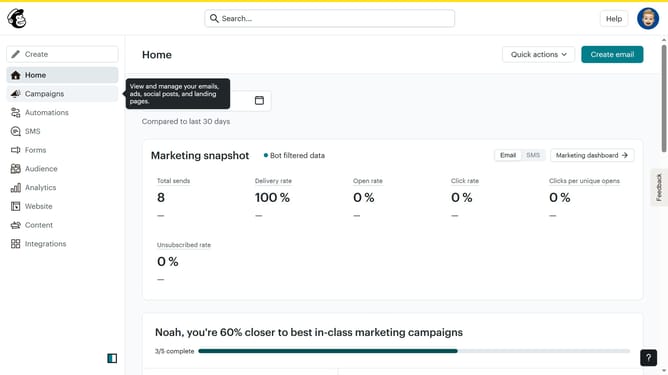
How to change column background in a free email campaign in Mailchimp
Here is how to change column background in a free email campaign in mailchimp
- First click on the "Home" item in the left sidebar
- Then click on the "Edit" button
- Next, click on the "Edit Design" button
- Then click on the column that you want to manage
- Next, click on the "Block Background" option in the left sidebar
- Then click on the color spectrum to select a color
- Finally, click on the a color from the color palette pop up
Why should you change column background in a free email campaign in Mailchimp
Mailchimp is a robust platform designed to streamline your email marketing efforts and enhance your audience engagement.
Customizing your email campaigns is essential to stand out, and changing the column background in Mailchimp can significantly enhance visual appeal. This feature enables users to alter the background color or image, adding a distinct personal touch to newsletters.
By customizing appearances, you create a cohesive brand identity, capture readers' attention quickly, and deliver a consistent aesthetic experience across communication channels, enriching your audience's perception and response.
Last update