How to remove a field in a signup form on a landing page in Mailchimp
Here is how to remove a field in a signup form on a landing page in mailchimp
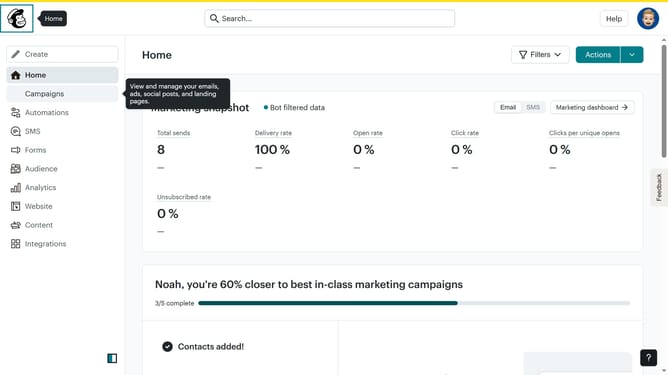
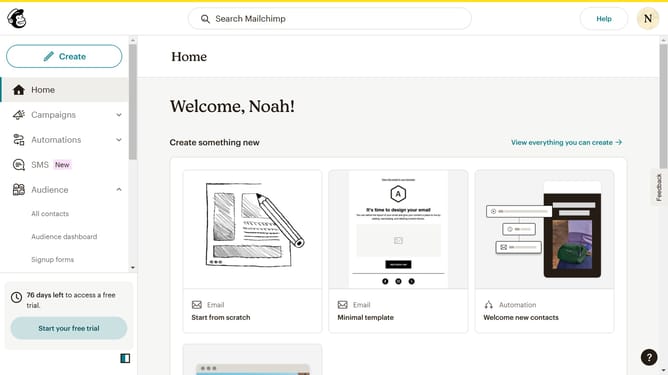
- First click on the "Home" item in the left sidebar
- Then click on the "Edit" button
- Next click on the "Edit design" button
- Then click on the edit icon
- After that uncheck the checkbox of the field that you want to get removed
- Finally click on the "Save & Close" button
Why should you remove a field in a signup form on a landing page in Mailchimp
Mailchimp is a powerful tool for email marketing and building customer relationships with ease.
Removing a field in a signup form on a landing page enhances the user experience by simplifying the process. This feature allows you to streamline information collection, focusing only on what truly matters. Thus, users are more likely to complete the sign-up process, as it requires less time and effort.
Furthermore, a cleaner form contributes to better data management and improved user engagement, making your marketing efforts more effective.
Last update