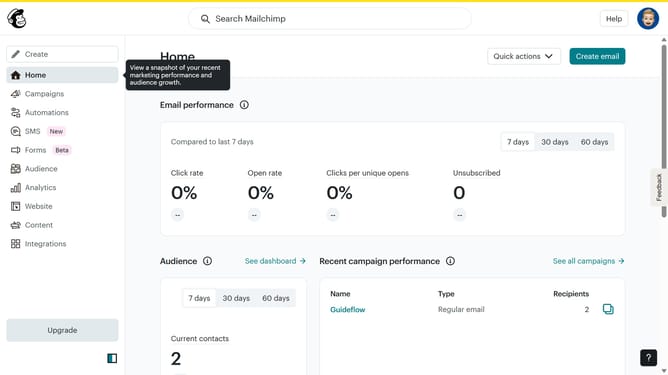
How to filter campaigns to survey in Mailchimp
Here is how to filter campaigns to survey in mailchimp
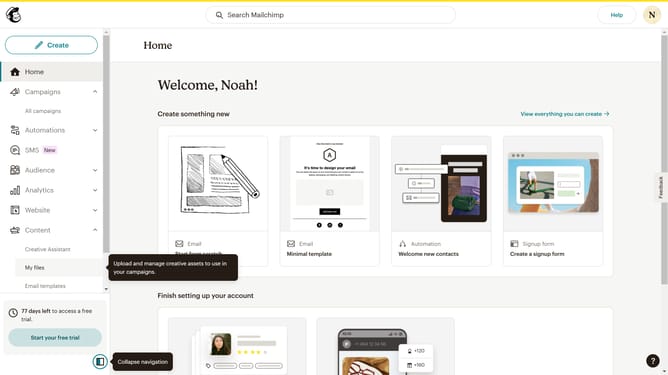
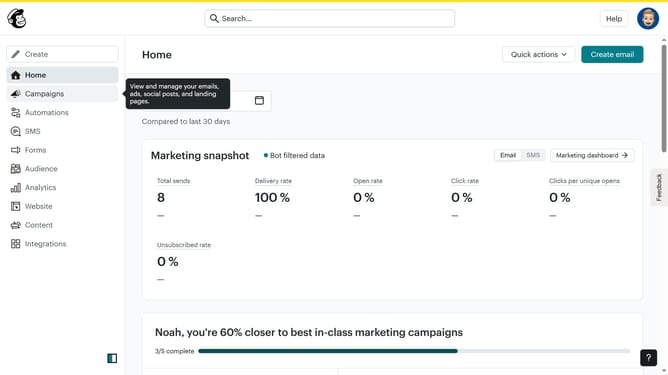
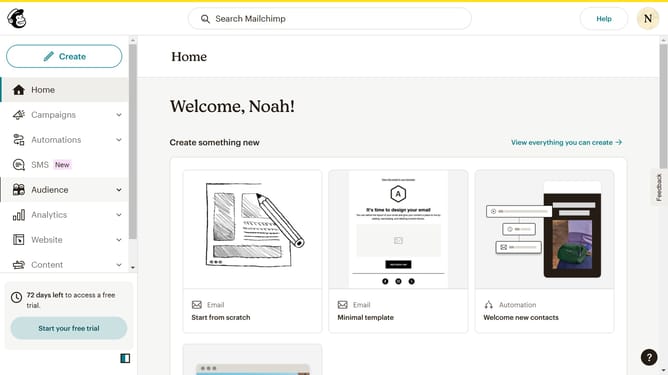
- First click on the "Campaign" button in the left sidebar navigation menu
- Then click on the "Type" dropdown filter in the campaign list header
- Finally select "Survey" option from the Type dropdown menu
Why should you filter campaigns to survey in Mailchimp
Mailchimp is a versatile platform designed to optimize your email marketing campaigns and enhance audience engagement.
With the feature to filter campaigns to survey, Mailchimp allows you to target specific groups effortlessly. This ensures that your surveys reach the right audience, enhancing response rates and providing valuable insights.
Using this feature means better data quality, as it refines your feedback loop. It helps in making informed decisions tailored to your audience’s preferences. Mailchimp's efficient campaign filtering makes it an indispensable tool in your marketing toolkit.
Last update