How to change column border style in a free email campaign in Mailchimp
Here is how to change column border style in a free email campaign in mailchimp
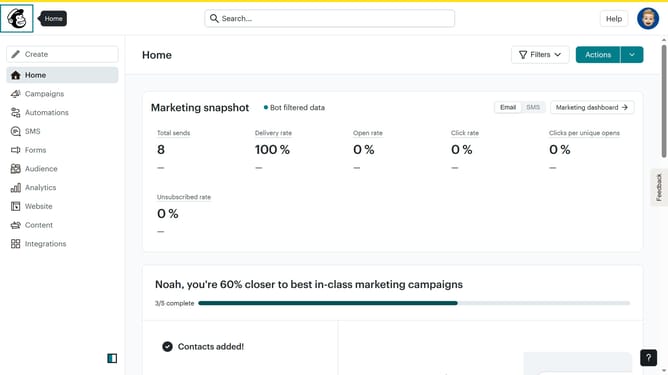
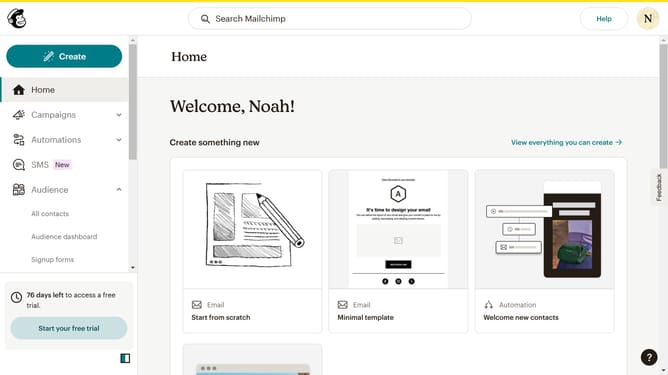
- First, click on "Campaigns" in the left sidebar
- Then, click on the "Edit" button
- Next, click on "Edit design" at the bottom right of the campaign preview
- Then, click on the column that you want to manage
- In the left panel, click on the border dropdown option
- Finally, select from the border style options
Why should you change column border style in a free email campaign in Mailchimp
Mailchimp is a versatile tool designed for crafting impactful email campaigns with ease.
One powerful feature available is the ability to change column border styles in your free email campaigns. This enables you to refine the visual elements and structure of your emails, enhancing aesthetic appeal.
Adjusting column borders can help create a clear visual hierarchy, improve readability, and draw attention to key information, ultimately boosting engagement with your audience.
Leveraging this feature ensures your campaigns are not only functional but also visually striking and engaging.
Last update