How to import the contact in Mailchimp
Here is how to import the contact in mailchimp
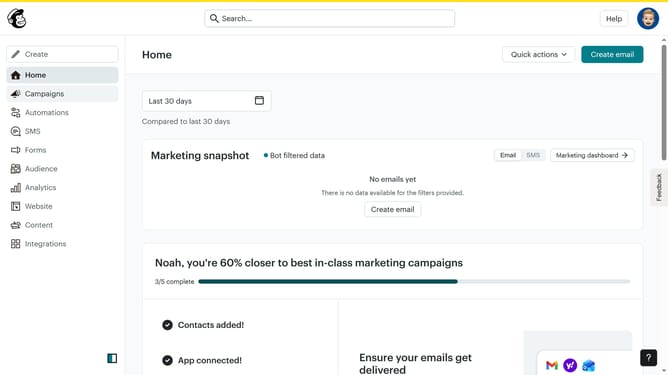
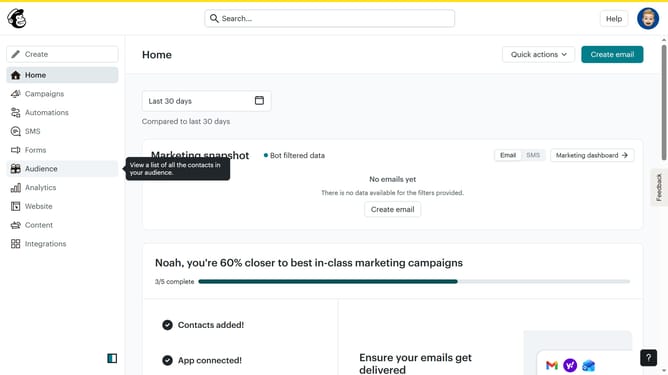
- First click on "Audience" in the left sidebar menu
- Next click on the "Add contacts" dropdown button in the top toolbar
- Then select "Import contacts" from the dropdown menu
- Next click on "Upload a file" option in the import method selection
- Then click the "Continue" button to proceed with file upload
- Next click on "Select a file" button to choose a file from your computer
- After selecting the file, click "Continue" to move to the next step
- Then click "Continue" on the organize contacts screen
- Next click on the tags search field to add tags
- Then select "Member" from the tags dropdown list
- Click "Continue" to proceed to the next step
- Again click "Continue" after reviewing the field mapping
- Then click "Finalize import" button to start the import process
- Click "Complete Import" button to finish the import
- Finally click "Start a campaign" button after reviewing the import results
Why should you import the contact in Mailchimp
Mailchimp is a powerful platform designed to simplify email marketing and customer engagement for businesses of all sizes.
Importing contacts into Mailchimp is integral because it streamlines the process of managing subscriber lists, enhancing customer communication and outreach.
This feature allows users to easily bring in contacts from various sources, ensuring efficient organization and saving valuable time.
Utilizing Mailchimp's import feature enables targeted marketing efforts by keeping your contact lists up-to-date and well-segmented.
Last update