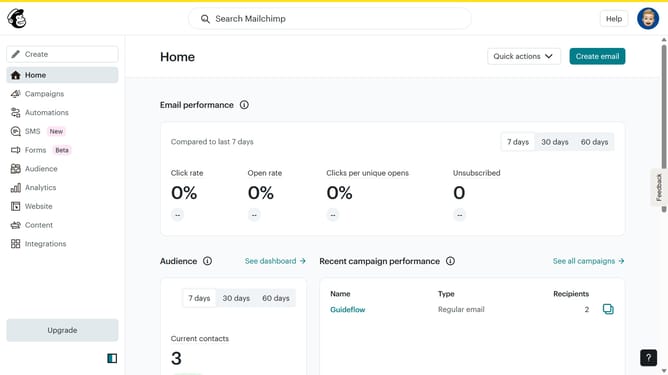
How to duplicate a question block on a survey in Mailchimp
Here is how to duplicate a question block on a survey in mailchimp
- First click on "Audience" item in the left sidebar menu
- Then click on "Surveys" link in the expanded Audience menu
- Next click on "Create new survey" button in the top right corner
- Then click on the survey name input field
- Next enter "Sample Survey" in the survey name field
- Then click on the Audience dropdown menu
- Next click on "Begin" button to start creating the survey
- First click the plus icon button in the central section of the page to add a new question
- Then click on the "Introduction" option from the question types menu
- Finally click the "Duplicate question" button in the right sidebar to create a copy of the current question
Why should you duplicate a question block on a survey in Mailchimp
Mailchimp is a versatile platform designed to elevate your email marketing and survey efforts with ease.
Duplicating a question block in a Mailchimp survey is a straightforward feature that significantly enhances your efficiency. This capability allows you to easily replicate existing content, ensuring consistency across your survey without the need to manually recreate each element.
Using this feature not only saves time but also helps maintain uniformity, which is vital for clear data analysis and enhancing the respondent experience.
Last update