How to create a two factor authentication in Mailchimp
Here is how to create a two factor authentication in mailchimp
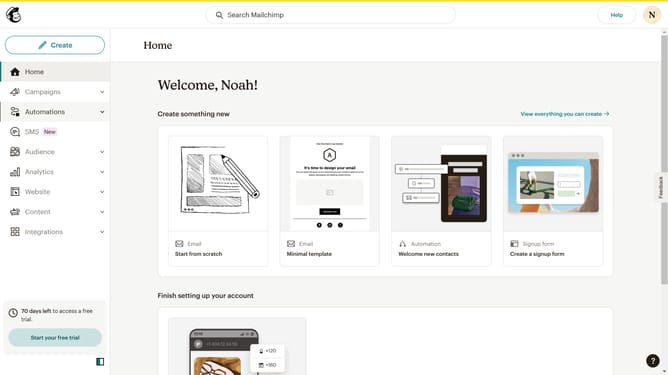
- First click on the profile logo button in the top-right corner of the screen
- Then click on the "Profile" option in the dropdown menu
- Click on the "Settings" dropdown menu in the main navigation bar
- Select "Security" from the Settings dropdown menu
- Click on the "SMS" radio button option for two-factor authentication
- Click on the "Next" button to proceed with SMS authentication setup
- Click on the country selection dropdown to choose your country
- Enter your phone number in the input field
- Click on the "Get code" button to receive a message to your phone number
- Enter the 6-digit code provided to you in the input field
- Finally, click on the "Enable" button after entering the 6-digit code
Why should you create a two factor authentication in Mailchimp
Mailchimp is a versatile platform designed to streamline email marketing and enhance communication strategies.
Two-factor authentication in Mailchimp elevates the security of your account by adding an extra layer that requires not just a password, but also a second factor, such as a code, for access.
This feature significantly reduces the chances of unauthorized account access, ensuring that your sensitive marketing data remains protected.
Activating this feature is a proactive step in safeguarding your business's online presence and maintaining trust with your customers.
Last update