How to change filter campaigns to survey in Mailchimp
Here is how to change filter campaigns to survey in mailchimp
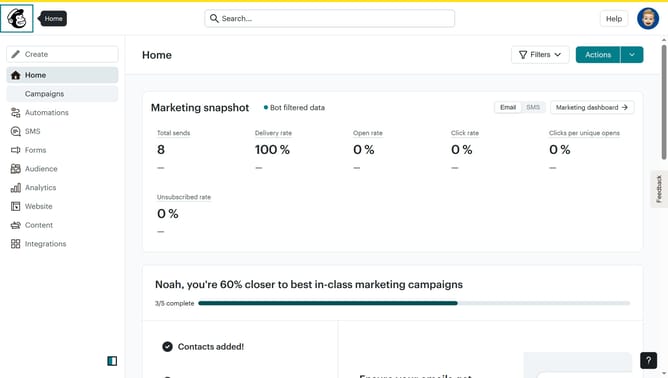
- First click on the "Campaign" button in the left sidebar navigation menu
- Then click on the "Type" dropdown filter in the campaign list header
- Finally select "Survey" option from the Type dropdown menu
Why should you change filter campaigns to survey in Mailchimp
Mailchimp is a versatile marketing platform designed to elevate your engagement with your audience through email and other channels.
One of the powerful features of Mailchimp is its ability to easily transform your campaigns into surveys, offering a more interactive way to gather opinions and insights from your audience.
Changing filter campaigns to surveys can significantly enhance user interaction by encouraging direct feedback and creating an enriching experience for both the sender and the recipient.
This feature allows you to better understand customer needs, driving more informed decisions and fostering deeper relationships.
Last update