How to take out a question block on a survey in Mailchimp
Here is how to take out a question block on a survey in mailchimp
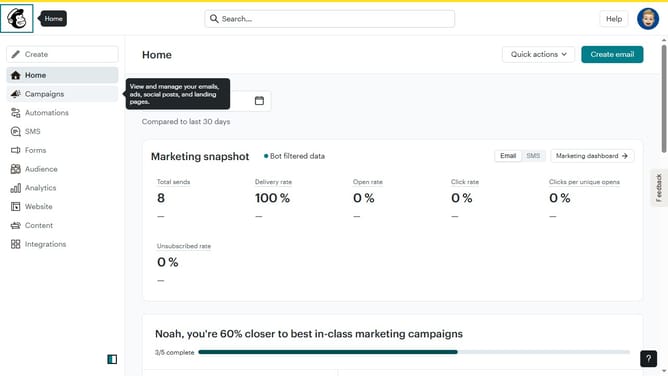
- First click on "Audience" item in the left sidebar menu
- Then click on "Surveys" link in the expanded Audience menu
- Next click on "Create new survey" button in the top right corner
- Then click on the survey name input field
- Next enter "Sample Survey" in the survey name field
- Then click on the Audience dropdown menu
- Next click on "Begin" button to start creating the survey
- Next click the plus icon button in the central section of the page to add a new question
- Then click on the "Introduction" option from the question types menu
- Finally click the "Delete question" button in the right sidebar to remove the selected question
Why should you take out a question block on a survey in Mailchimp
Mailchimp is a versatile platform designed to simplify and enhance your email marketing campaigns.
Removing a question block from a survey in Mailchimp is a straightforward feature that allows you to refine your surveys for better engagement.
Utilizing this feature streamlines your survey, helping maintain respondents' attention and ensuring you gather the most relevant feedback.
With cleaner surveys, you can achieve more accurate insights, ultimately driving better business decisions.
Last update