How to edit text block font size in a landing page in Mailchimp
Here is how to edit text block font size in a landing page in mailchimp
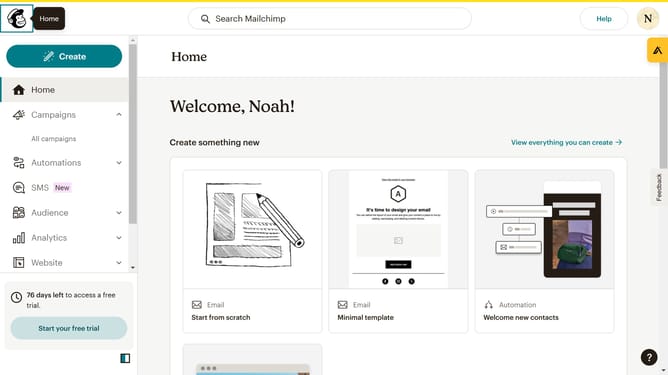
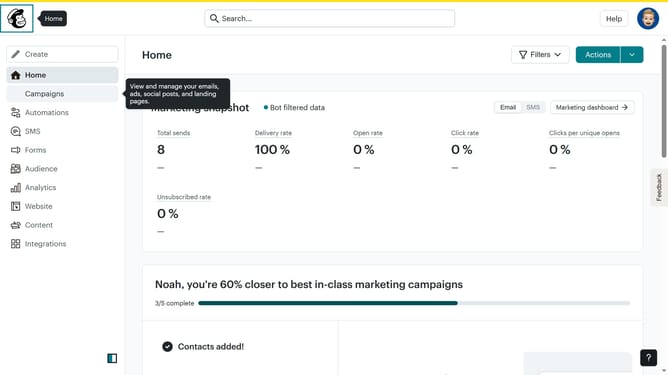
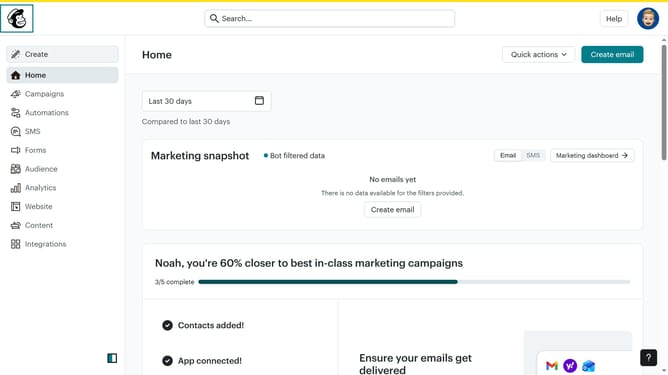
- Then click on "Campaigns" button in the left sidebar
- Then click on the "Edit" button
- Then click on the "Edit design" button
- Click on the pencil icon to edit the text block that you want to manage
- Then click on the "Style" tab
- Click the dropdown arrow next to the "Size" setting
- Select a font size from the size options
- Click "Save & Close" in the bottom right corner
- Finally, click on the "Save & Close" button in the bottom right corner of the page
Why should you edit text block font size in a landing page in Mailchimp
Mailchimp is a powerful platform designed to streamline email marketing and enhance customer engagement.
One of the standout features is the ability to edit text block font size on landing pages.
Adjusting font size allows you to emphasize crucial information, making your message clear and appealing to your audience.
Using this feature ensures that your landing page aligns with your brand's aesthetics, enhancing the overall visitor experience and maximizing engagement.
Last update