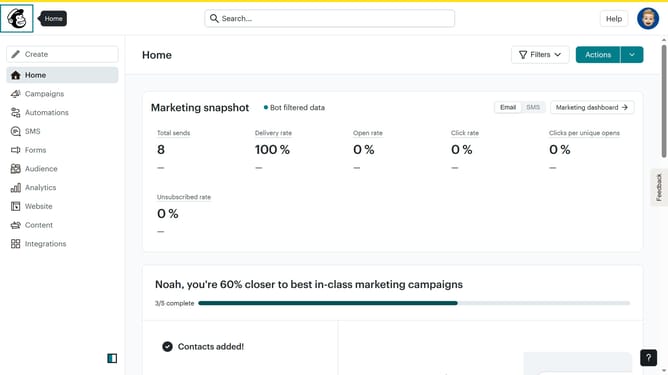
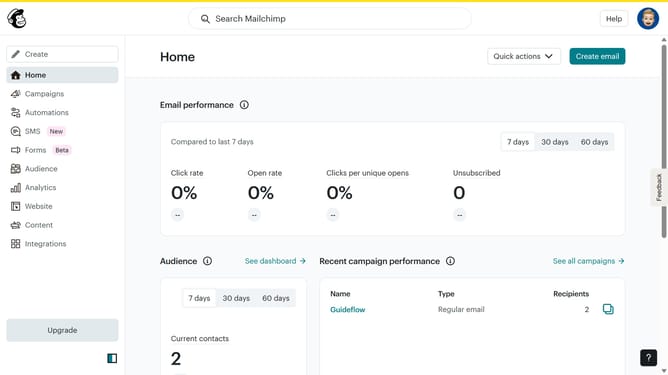
How to create a plain text email campaign in Mailchimp
Here is how to create a plain text email campaign in mailchimp
- First click on "Create" button in the left sidebar
- Then click on "Email" dropdown in the left sidebar
- Next click on "Plain text" option
- Then click on the "Internal email name" input field and enter email name
- Click on the "Begin" button
- Click on the "Next" button
- Then click on the "Email subject" input
- Click on the "Next" button
- Then click on the "ENTER YOUR CONTENT HERE" placeholder and edit it
- Click on the "Next" button
- Click on the "Send" button
- Click on the "Send Now" button
- Finally click on the "I'll do it later" button
Why should you create a plain text email campaign in Mailchimp
Mailchimp is an intuitive platform designed to streamline your email marketing efforts.
Creating a plain text email campaign in Mailchimp can be a strategic move for those who seek a straightforward, minimalist approach to communication.
By opting for a plain text format, you can ensure a more personal tone, improving deliverability and readability by eliminating distractions often found in HTML emails.
This method is particularly effective in maintaining a one-on-one conversation feel, fostering trust, and enhancing overall engagement with your audience.
Last update