How to create an email with a basic layout in Mailchimp
Here is how to create an email with a basic layout in mailchimp
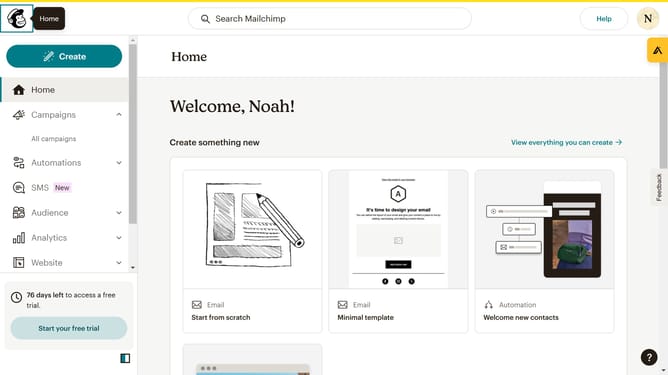
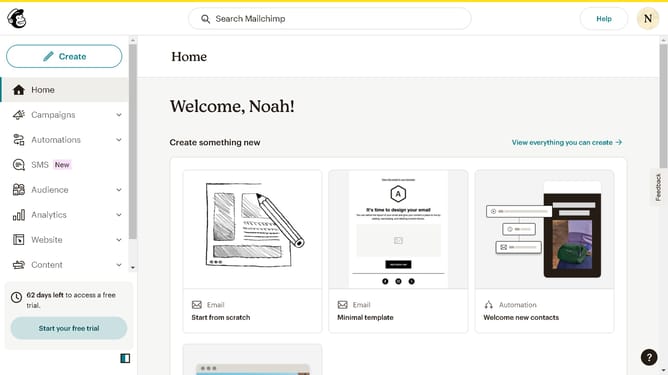
- First click on the "Create email" button in the top-right corner of the dashboard
- Then select the "Basic layout" option from the email design selection modal
- Finally click the "Apply" button to choose the Bold template from the templates gallery
Why should you create an email with a basic layout in Mailchimp
Mailchimp is a versatile email marketing tool designed to help businesses effectively engage and grow their audience.
Creating an email with a basic layout in Mailchimp is straightforward, allowing users to customize and structure their messages effortlessly. This feature empowers users to focus on content and creativity, providing an excellent starting point for both beginners and seasoned marketers.
By using a basic email layout, businesses can maintain consistency and professionalism in their communications, enhancing brand identity and fostering customer trust.
Overall, leveraging Mailchimp’s basic layout boosts efficiency, enabling swift email marketing campaigns that resonate with the audience.
Last update