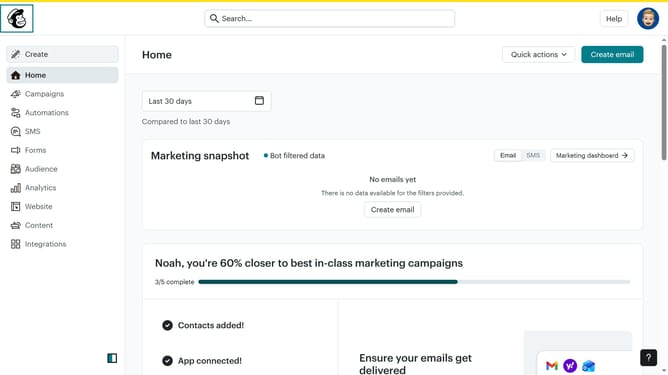
How to filter campaigns to multivariate test in Mailchimp
Here is how to filter campaigns to multivariate test in mailchimp
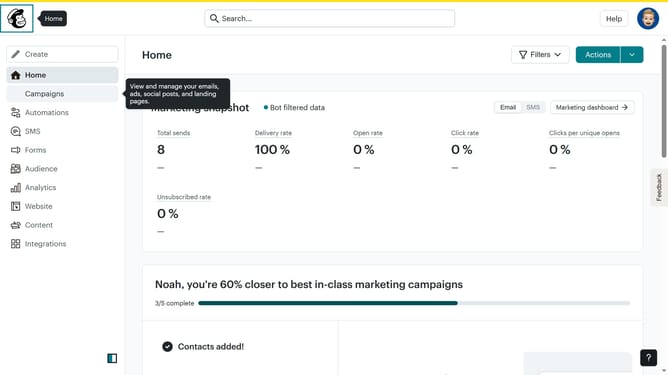
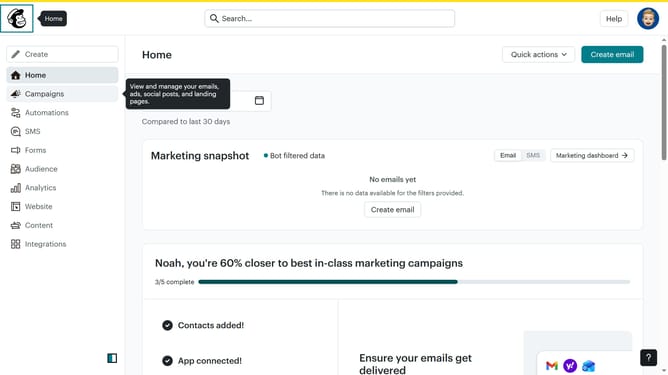
- First click on the "Campaign" button in the left sidebar navigation menu
- Then click on the "Type" dropdown filter in the campaign list header
- Finally select "Multivariate test" option from the Type dropdown menu
Why should you filter campaigns to multivariate test in Mailchimp
Mailchimp is a premier platform for creating, sending, and analyzing email campaigns effortlessly.
The ability to filter campaigns to multivariate test is a powerful feature that optimizes email performance. By segmenting your audience into specific tests, you can accurately determine which elements yield the best results.
This approach not only enhances engagement but also provides deep insights into user preferences and behaviors, ultimately driving better decision-making.
Implementing such strategies can lead to more effective marketing outcomes and improved return on investment.
Last update