How to add an address field to a signup form on a landing page in Mailchimp
Here is how to add an address field to a signup form on a landing page in mailchimp
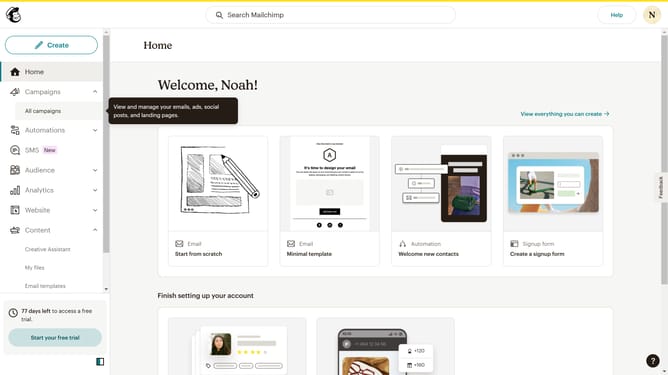
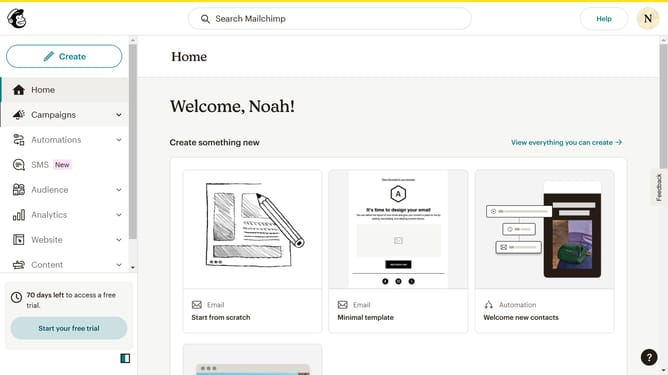
- First click on "Campaigns" item in the left sidebar
- Then click on "Edit" button
- After that click on "Edit design" button
- Next click on the pencil icon to edit
- Then click on the "Address" checkbox
- Finally click on the "Save & Close" button
Why should you add an address field to a signup form on a landing page in Mailchimp
Mailchimp is a powerful tool that streamlines email marketing for businesses of all sizes.
Adding an address field to a signup form on a landing page in Mailchimp can enhance your data collection strategy.
By collecting mailing addresses, you can better segment your audience, tailor communications, and run targeted campaigns more effectively.
This feature helps you build strong, personalized connections by understanding and meeting your subscribers’ unique needs. Utilize this for deeper engagement and improved campaign results.
Last update