How to resend non-openers in Mailchimp
Here is how to resend non-openers in mailchimp
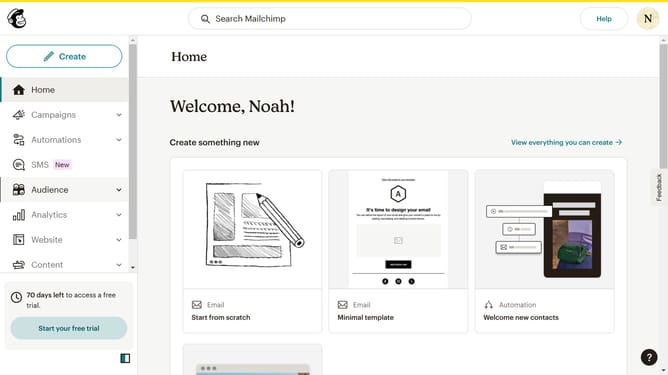
- First click on the "Campaigns" option in the left sidebar menu
- Then click on the action menu dropdown button
- Select "Replicate" from the dropdown menu
- Click on "Edit recipients" button in the email header
- Select "All email subscribers (2 subscribers)" from the subscribers list
- Click "New segment" button
- Click on "Add filter" button in the segment builder
- Click "Select or search a filter" to add a condition
- Select "Email interaction" from the filter dropdown
- Click on "opened" dropdown in the filter settings
- Select "was sent" from the interaction type dropdown
- Click on "Select or search an email" dropdown
- Choose "Any of the Last 5 Campaigns" from the email selection dropdown
- Click "And" radio button for combining conditions
- Click "Select or search a filter" to add another condition
- Select "Email interaction" again from the filters list
- Click on "opened" dropdown in the second filter
- Select "did not open" from the interaction options
- Click on "Select or search an email" dropdown in the second filter
- Choose "All of the Last 5 Campaigns" from the email selection list
- Click "Review segment" button at the top right
- Click "Use segment" button to apply the segment
- Click "Save" button to save the recipient settings
Why should you resend non-openers in Mailchimp
Mailchimp is a leading marketing platform that empowers businesses to connect effectively with their audience.
Resending to non-openers in Mailchimp allows you to re-engage those who missed your initial email, maximizing message reach.
This feature enhances opens and conversions by giving your email a second chance, crucial for maintaining contact with your audience.
Ultimately, it aids in boosting engagement and improving overall email marketing success.
Last update