How to remove VIP status on a contact in Mailchimp
Here is how to remove vip status on a contact in mailchimp
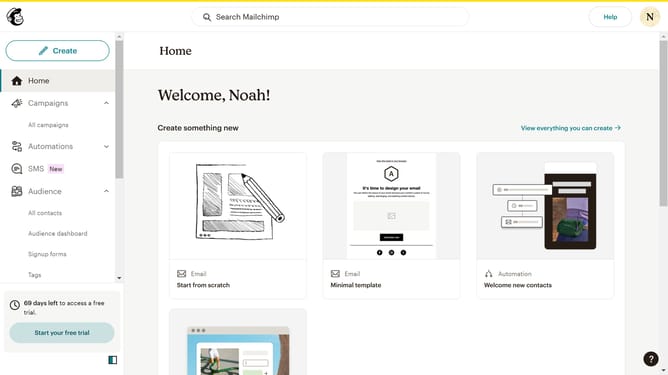
- First click on "Audience" in the left sidebar menu
- Next click on the contact email in the contacts list to open the contact profile
- Next click on the "Actions" button in the top-right corner of the contact profile page
- Then select "Remove VIP" option from the Actions dropdown menu
Why should you remove VIP status on a contact in Mailchimp
Mailchimp is a dynamic platform designed for intuitive email marketing and automated audience engagement.
The ability to manage VIP statuses on contacts in Mailchimp allows users to easily customize their contact lists to better target specific audiences. Removing a VIP status can be key when adjusting how you prioritize messages and resources.
This feature enhances list organization, making it easier to manage contacts as priorities shift, ensuring that your communication strategy is as flexible and responsive as your business requires.
Last update