Mailchimp
Mailchimp is an email marketing and automation platform for customer engagement.
Website
Industry
Email
Share this article:

How to create a new audience in Mailchimp

Here is how to create a new audience in mailchimp

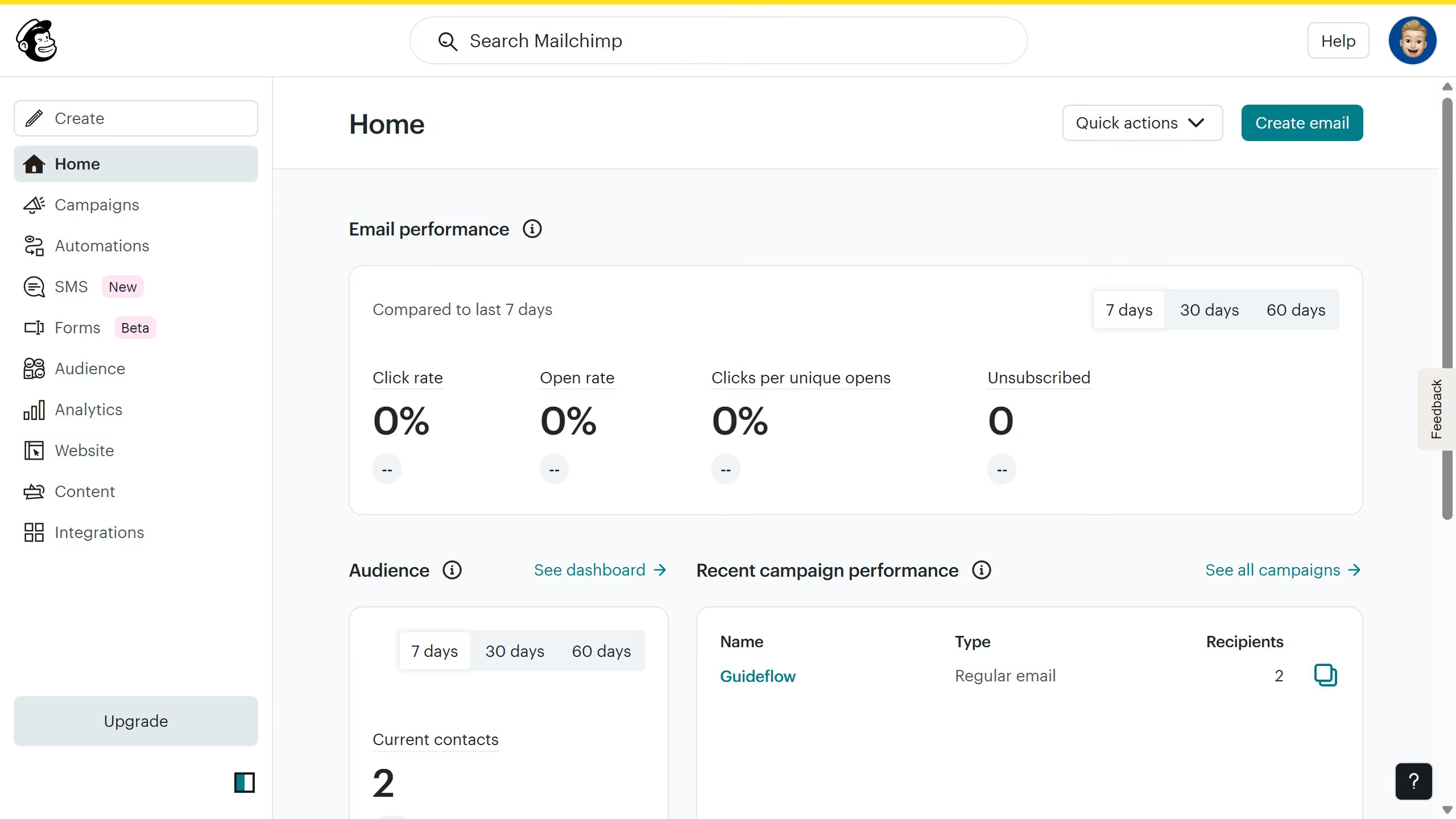
  1. First click on the "Audience" option in the left sidebar
  2. Then click on "Add contacts" 
  3. Select "Add a subscriber" from the dropdown menu
  4. Fill in the subscriber's email, name, address, phone number, and birthday
  5. Click on "Add tags" to add any relevant tags to help organize your contacts
  6. Select the tag you want
  7. Then click "Add tags" to confirm
  8. Under Marketing Permissions, select the option that corresponds to the permission you want to grant the person
  9. Finally, click "Subscribe" to add your new subscriber to the audience

Create your own interactive guide with Guideflow

Why should you create a new audience in Mailchimp

Mailchimp is your go-to marketing automation platform, designed to streamline your email campaigns and empower customer engagement like never before.

Creating a new audience in Mailchimp is fundamental to tailoring your marketing communications effectively. It allows you to organize your contacts based on specific interests or behaviors, leading to more personalized and efficient campaign management.

This feature empowers you to target specific groups with relevant content, enhancing customer experience and increasing the likelihood of conversion.


Last update
June 10, 2026
Cursor MariaA cursor points to a button labeled "James."

Create your first demo in less than 30 seconds.