How to change filter your campaign status to ongoing in Mailchimp
Here is how to change filter your campaign status to ongoing in mailchimp
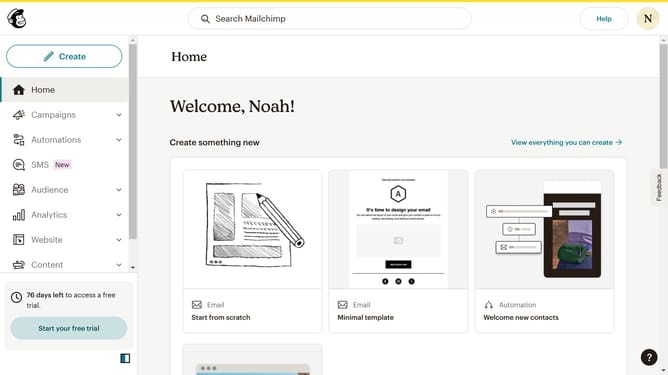
- First click on the "Campaigns" item in the left sidebar
- Then click on the dropdown under the "Status" filter
- Next, select the "Ongoing" checkbox option from the status dropdown
- Finally, click anywhere in the screen to view ongoing campaigns
Why should you change filter your campaign status to ongoing in Mailchimp
Mailchimp is a powerful, all-in-one marketing platform designed to help businesses effectively reach and engage their audience.
Being able to filter your campaign status to "ongoing" in Mailchimp streamlines the way you manage your marketing strategies. This feature allows you to focus on current, active campaigns without being distracted by completed or future projects.
Utilizing this filter enhances efficiency, ensuring you're always aligned with ongoing efforts, thus enabling more coherent and timely marketing actions.
Ultimately, this leads to a smoother workflow and helps maintain momentum in your marketing endeavors.
Last update