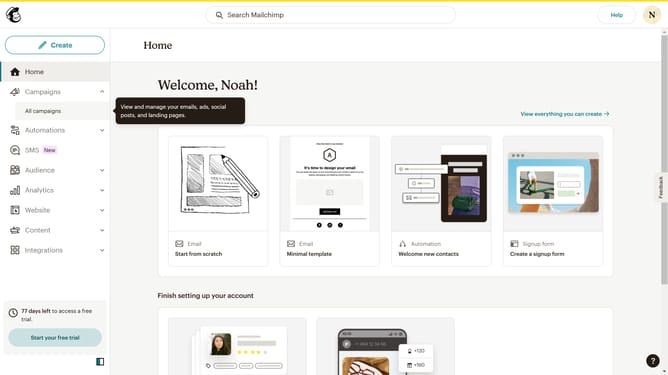
How to get a Mailchimp API key
Here is how to get a mailchimp api key
- First click on the user profile icon in the top-right corner of the header
- Then click on "Profile" option in the dropdown menu
- Next click on "Extras" tab in the top navigation menu
- Then click on "API keys" option in the dropdown menu
- Next click on "Create A Key" button in the API keys section
- Then click in the "API Key Name" text input field and type in your desired name
- Next click on "Generate Key" button to create the new API key
- Then click on "Copy To Clipboard" button to copy the generated API key
- Finally click on "Done" button to complete the API key creation process
Why should you get a Mailchimp API key
Mailchimp is a versatile marketing platform designed to help businesses execute dynamic email campaigns effortlessly.
Obtaining a Mailchimp API key is integral to enhancing your email marketing strategy by allowing seamless integration with various applications.
This feature empowers businesses to automate and personalize their communications by connecting Mailchimp to diverse web services, ensuring that subscriber data flows smoothly and campaigns reach wider audiences efficiently.
By securing an API key, you can enhance customer engagement and drive more meaningful interactions with your brand.
Last update