How to replace the website of your profile in Mailchimp
Here is how to replace the website of your profile in mailchimp
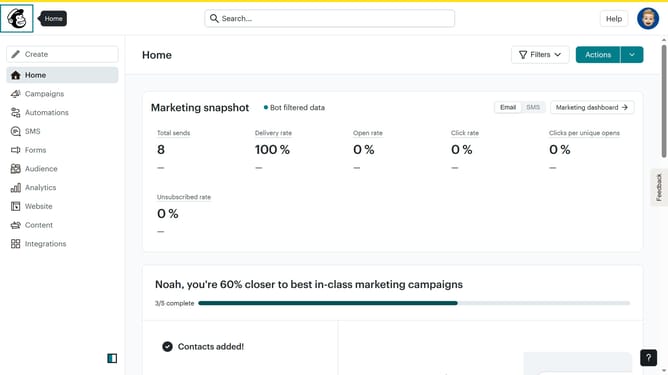
- First click on the user avatar icon in the top-right corner of the header
- Then select "Profile" option from the dropdown menu
- In the profile form, click on the website field and modify it to your preferred website link
- Finally click the "Update" button at the bottom of the basic information form
Why should you replace the website of your profile in Mailchimp
Mailchimp is a powerful marketing platform designed to help businesses seamlessly manage and communicate with their audience.
One of the simplest yet impactful features of Mailchimp is the ability to replace the website link on your profile. By keeping your profile updated with your current website, you ensure that your audience always accesses your latest content or campaigns.
Not only does this help in maintaining a professional appearance, but it also provides your subscribers with the most relevant link, enhancing engagement and interaction. Keeping the website link current ensures clarity and professionalism in your communications.
Last update