How to add a birthday field to a signup form on a landing page in Mailchimp
Here is how to add a birthday field to a signup form on a landing page in mailchimp
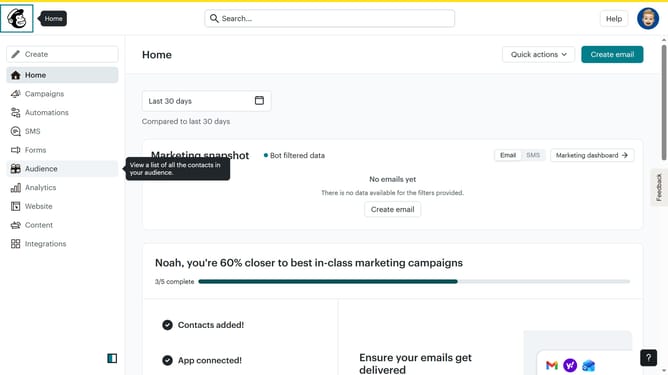
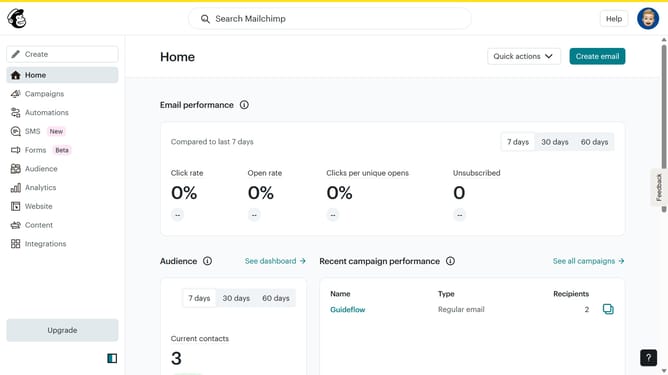
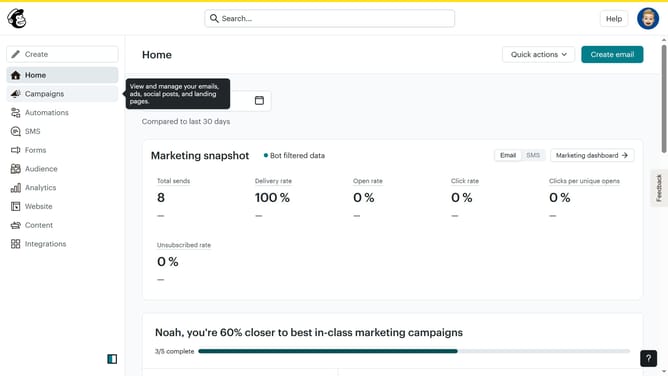
- First click on "Home" in the left sidebar
- Then click on the "Edit" button
- Next, click on the "Edit design" button
- After that, click on the pencil icon to edit
- Then select the "Birthday" checkbox
- Finally click on the "Save & Close" button
Why should you add a birthday field to a signup form on a landing page in Mailchimp
Mailchimp is a versatile platform designed to help you connect with your audience seamlessly.
Adding a birthday field to your signup form on a landing page in Mailchimp is a clever way to personalize your marketing efforts. This feature allows you to gather valuable data that can be used to surprise and delight your subscribers.
By capturing birth dates, you can send timely and thoughtful birthday messages or special offers, enhancing customer loyalty and engagement. This adds a personal touch to your communications, showing subscribers that they are valued beyond just being part of a list.
Ultimately, it helps in building a stronger relationship with your audience, making them feel special without overwhelming them with constant communication.