How to add contacts in Mailchimp
Here is how to add contacts in mailchimp
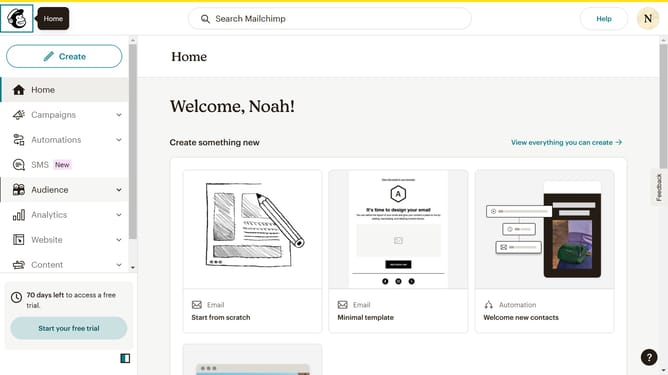
- First click on "Audience" in the left sidebar menu
- Then click on "Add contacts" button in the top right corner
- Next select "Add a single contact" option from the dropdown menu
- Click on the "Email Address" field to enter contact information
- Click on the "First Name" field to enter the contact's first name
- Click on the "Last Name" field to enter the contact's last name
- Click on the checkbox field to approve the contact's permission
- Finally click the "Add contact" button at the bottom of the form
Why should you add contacts in Mailchimp
Mailchimp is a powerful platform designed to simplify your email marketing efforts and help you grow your audience.
Efficiently adding contacts in Mailchimp is a crucial feature that enables you to organize your email lists seamlessly. By importing contacts into Mailchimp, you centralize your communications, fostering better engagement.
This feature helps maintain a clean and updated audience list, ensuring your messages reach the intended recipients. It also saves time and effort, allowing you to focus on creating impactful campaigns.
Last update