Mailchimp
Mailchimp is an email marketing and automation platform for customer engagement.
Website
Industry
Email
Share this article:

How to create a checkbox block on a survey in Mailchimp

Here is how to create a checkbox block on a survey in mailchimp

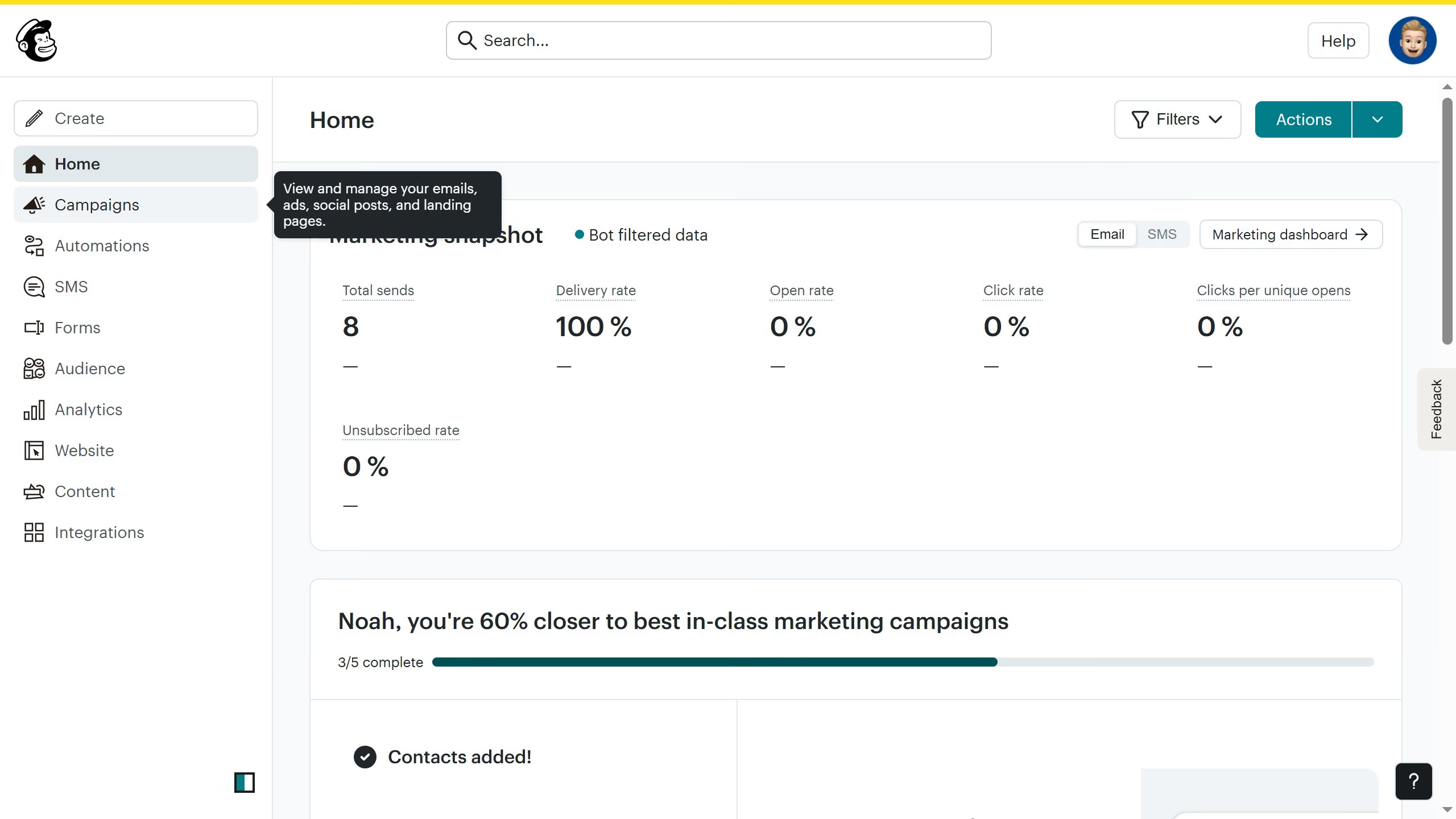
  1. First click on "Audience" item in the left sidebar menu
  2. Then click on "Surveys" link in the expanded Audience menu
  3. Next click on "Create new survey" button in the top right corner
  4. Then click on the survey name input field
  5. Next enter "Sample Survey" in the survey name field
  6. Then click on the Audience dropdown menu
  7. Next click on "Begin" button to start creating the survey
  8. Then click on the "Add question" button in the center of the question types slider
  9. Finally select the "Checkboxes" button in the question types dropdown menu

Create your own interactive guide with Guideflow

Why should you create a checkbox block on a survey in Mailchimp

Mailchimp is a versatile marketing platform designed to help businesses streamline their marketing efforts and connect with their audience effectively.

Creating a checkbox block in a survey on Mailchimp allows you to gather specific, detailed feedback from your audience efficiently. This feature enables respondents to select multiple options, providing richer, more nuanced insights into customer preferences and behaviors.

Using checkbox blocks facilitates better decision-making by delivering comprehensive data, ultimately enhancing your marketing strategy and customer satisfaction.


Last update
June 10, 2026
Cursor MariaA cursor points to a button labeled "James."

Create your first demo in less than 30 seconds.