How to delete a plain text email campaign in Mailchimp
Here is how to delete a plain text email campaign in mailchimp
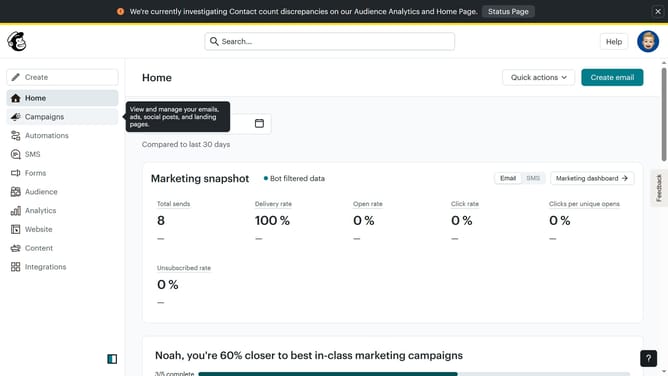
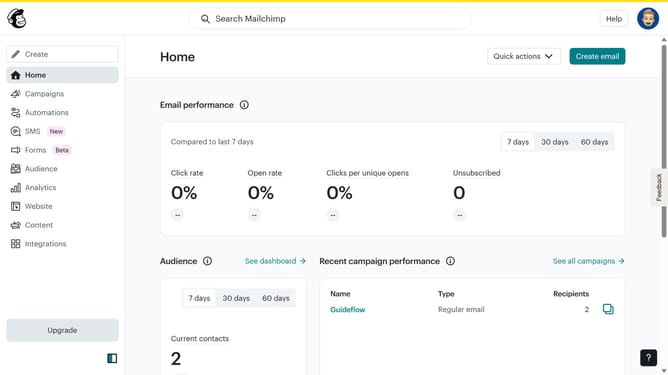
- First click on "Home" in the left sidebar menu
- Then click on the "More actions" button
- Next click on the "Delete" option in the dropdown menu
- Finally click on the "Delete" button to confirm
Why should you delete a plain text email campaign in Mailchimp
Mailchimp is a dynamic platform designed to empower businesses to manage their marketing efforts seamlessly.
Deleting a plain text email campaign in Mailchimp is straightforward yet pivotal for organized campaign management. This feature ensures users can easily clear outdated or unnecessary campaigns, maintaining an uncluttered workspace.
Utilizing this feature helps businesses keep their email marketing strategies focused and efficient, enabling teams to concentrate on active and valuable campaigns. Simplifying campaign management not only saves time but enhances overall productivity.
Last update