How to edit a profile picture in Mailchimp
Here is how to edit a profile picture in mailchimp
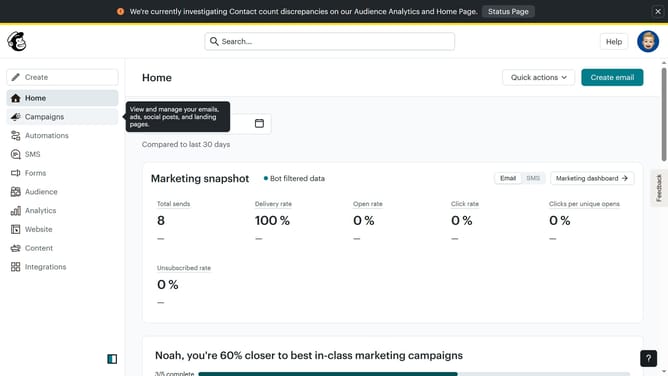
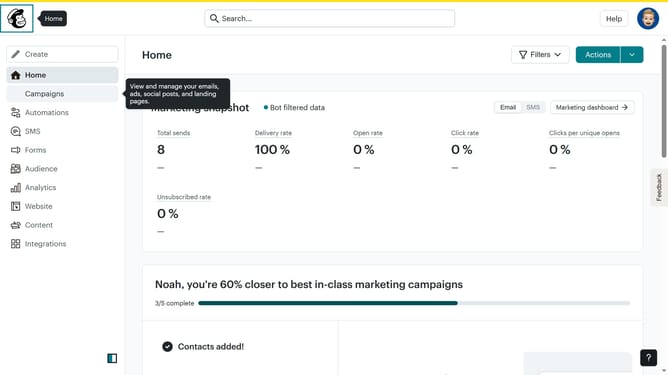
- First click on the account avatar in the top-right corner of the header
- Then click on the "Profile" option in the user dropdown menu
- Next click on the profile photo placeholder in the profile section to begin editing
- Then click on the preview image to adjust the photo positioning
- Click on the view mode controls in the bottom toolbar to change display options
- Next click on the zoom controls in the bottom toolbar to adjust the image size
- Then click on the rotation controls in the bottom right to rotate the image
- Finally click on the additional rotation controls to make final adjustments to the image orientation
Why should you edit a profile picture in Mailchimp
Mailchimp is a powerful email marketing platform designed to help businesses connect with their audience.
Editing a profile picture in Mailchimp enhances your brand's visibility, making your communications more personal and relatable.
This simple feature allows you to project professionalism and consistency across your campaigns and profiles.
With an updated profile image, you ensure that your audience easily identifies your messages, fostering trust and brand loyalty.
Last update