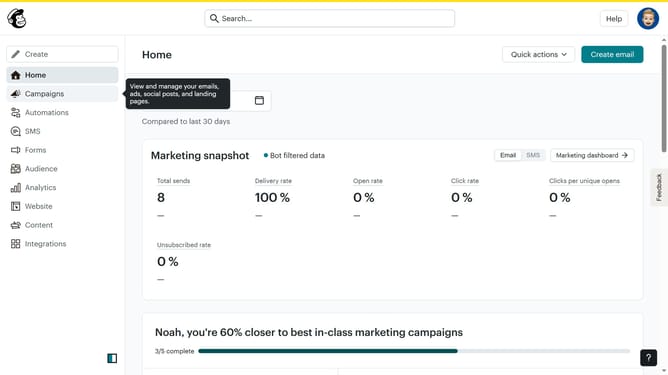
How to pause a step on an automation in Mailchimp
Here is how to pause a step on an automation in mailchimp
- First click on the "Automations" item in the left sidebar menu
- Next click on the "Finish Setup" button in the main automation flow screen
- In the automation flow builder, click the menu icon (three dots) next to the "Add tag 2025" action block
- Finally click the "Pause" option from the dropdown menu that appears
Why should you pause a step on an automation in Mailchimp
Mailchimp is a powerful tool designed to simplify email marketing automation for businesses of all sizes.
The ability to pause a step in your Mailchimp automation empowers you to strategically control your marketing campaigns. This feature supports your decision-making process, allowing time to make necessary adjustments without disrupting the overall flow.
Pausing a step offers flexibility, ensuring your campaigns are always aligned with your brand and audience expectations. It provides the opportunity to fine-tune content, enhancing engagement and boosting overall effectiveness.
Last update