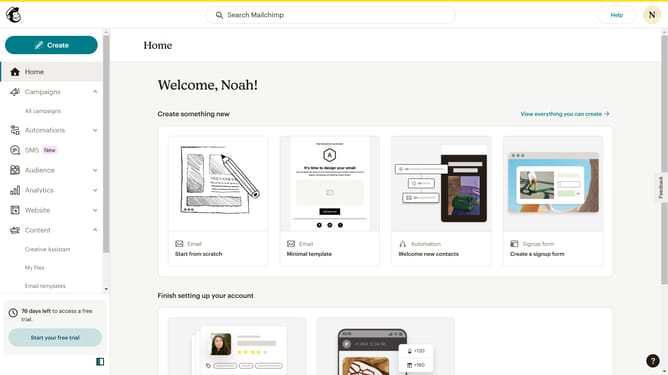
How to replicate a plain text email campaign in Mailchimp
Here is how to replicate a plain text email campaign in mailchimp
- First, click on the "Home" item in the left sidebar
- Click on the three dots icon to the right of the campaign that you want to replicate
- Then click on the "Replicate" option in the menu
- Click the "Next" button
- Click the "Next" button
- Click the "Next" button
- Then click on the "Send" button
- Next, click on the "Send Now" button
- Finally, click on the "I'll do it later" button
Why should you replicate a plain text email campaign in Mailchimp
Mailchimp is a versatile platform designed to streamline your email marketing efforts with ease.
When you replicate a plain text email campaign in Mailchimp, you maintain simplicity and authenticity, which can increase engagement.
Plain text emails create a personal touch, making your message feel direct and genuine, fostering a strong connection with your audience.
Replicating such campaigns ensures consistency and efficiency, saving you time while delivering powerful results.
Last update