How to assort campaigns to date edited in Mailchimp
Here is how to assort campaigns to date edited in mailchimp
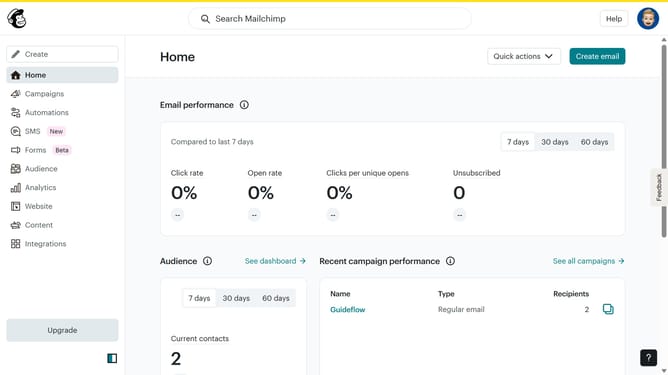
- First click on the "Campaign" button in the left sidebar navigation menu
- Then click on the "Sort by" dropdown filter in the campaign list header
- Finally select "Date edited" option from the Status dropdown menu
Why should you assort campaigns to date edited in Mailchimp
Mailchimp is a dynamic platform that empowers users to master the art of email marketing with ease and efficiency.
Assorting campaigns by the date edited within Mailchimp allows for streamlined organization and enhanced operational efficiency. This feature helps you keep track of your most recent updates, ensuring that you’re always up-to-date with your campaign planning.
Using this organizational method ensures that you can easily access and manage recent campaign adjustments. It optimizes workflow and saves valuable time, leading to more effective campaign execution.
Last update