How to delete unsubscribed contacts from Mailchimp
Here is how to delete unsubscribed contacts from mailchimp
- First click on the "Audience" option in the left sidebar menu
- Then click on the "Overview" tab in the main content area
- Next click on the "Unsubscribed" count indicator in the audience statistics section
- In the contacts list, click the checkbox of the account you want to delete
- Click on the menu icon (three dots) in the contact actions toolbar
- Select "Delete" from the dropdown menu
- Click on the radio button for "They asked me to and I must comply with privacy laws like GDPR/CCPA"
- Click the "Continue to delete" button
- Check the box confirming "I understand these contacts can never be re-imported again"
- Type "PERMANENTLY DELETE" in the confirmation text field
- Click the "Permanently delete" button
- Click the "X" (close) button to dismiss the deletion confirmation dialog
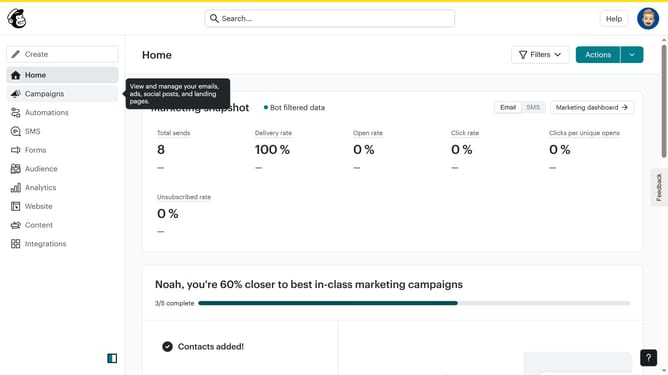
- Finally, click on the "Home" link in the left sidebar to return to the main dashboard
Why should you delete unsubscribed contacts from Mailchimp
Mailchimp is a powerful email marketing platform designed to help businesses communicate effectively with their audience.
One valuable feature of Mailchimp is the ability to delete unsubscribed contacts. This feature ensures your mailing list remains clean and organized by removing contacts who are no longer interested.
Utilizing this feature improves email deliverability and engagement rates, as well as enhances data management efficiency. By keeping your list free of disengaged contacts, your marketing efforts become more targeted and impactful.
Last update