How to link a button into a webpage in a landing page in Mailchimp
Here is how to link a button into a webpage in a landing page in mailchimp
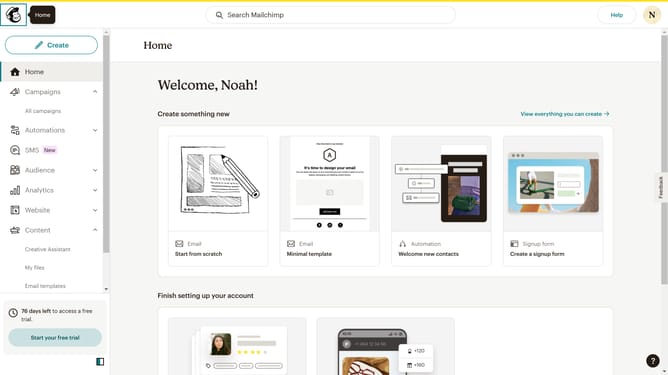
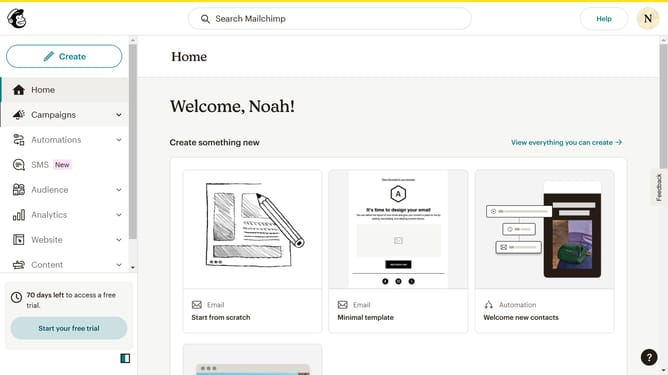
- First, click on "Campaigns" in the sidebar
- Then click on the "Edit" button
- Next, click on the "Edit design" button
- Then click on the button edit icon
- After that, click on the "Link to" dropdown
- Then click on the "Web address" option
- Next, click on the "Web address (URL)" input field and enter URL
- Then click on the "Save & Close" button
- Finally, click on the "Save & Close" button in the footer
Why should you link a button into a webpage in a landing page in Mailchimp
Mailchimp is a powerful marketing platform designed to help businesses grow their audience and communicate effectively.
Incorporating a button link on your Mailchimp landing page can significantly enhance user experience and drive conversions. This feature allows visitors to seamlessly navigate to the most relevant webpages, keeping them engaged and informed about your offerings.
Using this feature can boost your site’s interactivity, guiding potential clients towards their next steps and ultimately contributing to increased engagement and sales.
Last update