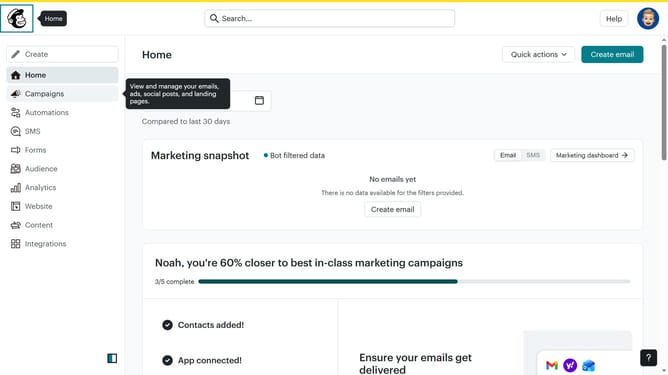
How to select emails in Mailchimp
Here is how to select emails in mailchimp
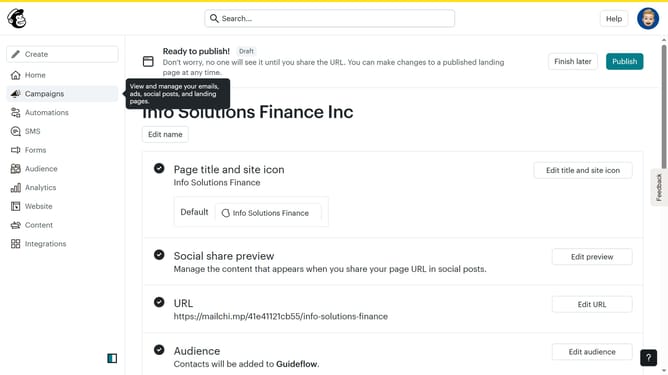
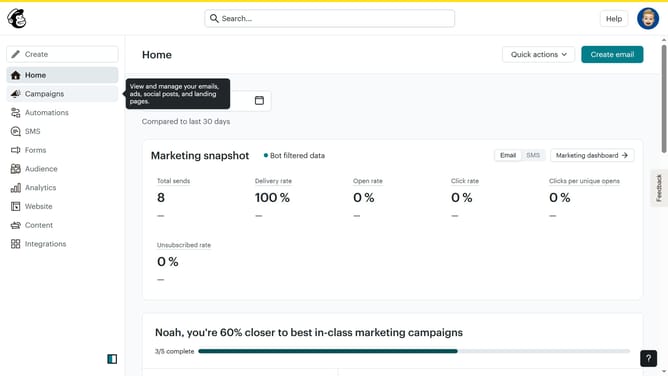
- First click on the "Campaigns" option in the left sidebar navigation menu
- Then click on the "Testing Email" campaign item in the campaign list
- Next click on the checkbox for "Untitled" campaign to select it
- Then click on the "Testing Email" campaign checkbox to unselect the campaign
- Finally click the "Deselect" button in the top action bar to unselect all campaigns
Why should you select emails in Mailchimp
Mailchimp is a leading email marketing platform designed to empower businesses with easy-to-use tools for effective communication.
Selecting emails in Mailchimp is a powerful feature that streamlines the process of curating targeted campaigns. This capability enables users to effortlessly sift through their mailing lists, making it simple to find the right audience for specific messages.
By leveraging this feature, businesses can ensure their emails are relevant, enhancing engagement rates and fostering stronger connections with their audience.
Ultimately, selecting emails efficiently helps in optimizing marketing strategies and driving better results.
Last update