How to change link font into italic in an email campaign in Mailchimp
Here is how to change link font into italic in an email campaign in mailchimp
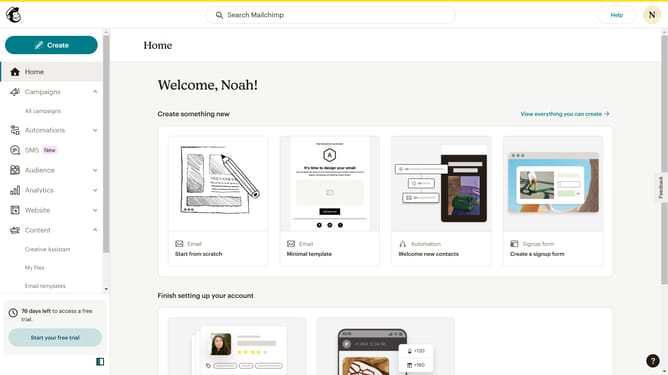
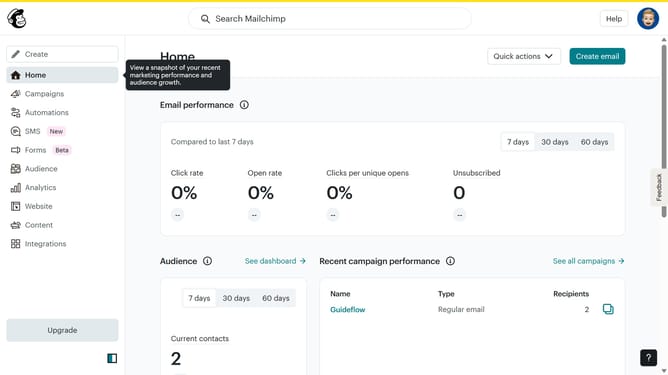
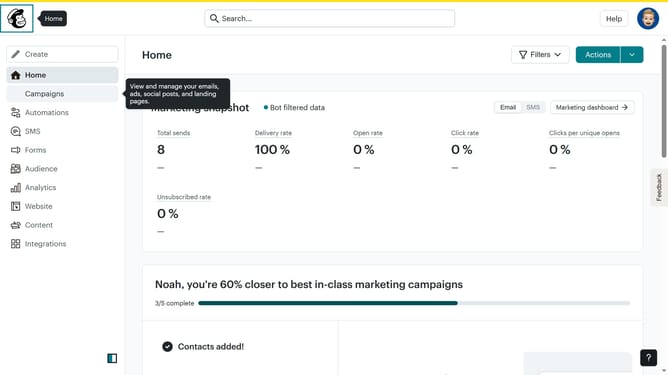
- First click on "Home" item in the left sidebar
- Then click on "Edit" button
- Next click on "Edit design" button at the bottom right of the page
- Then click on "Styles" item in the left sidebar
- Next click on "Link" item in the "Email Design" section
- Finally select "Italic" style for the link
Why should you change link font into italic in an email campaign in Mailchimp
Mailchimp is a premier platform for crafting and managing effective email campaigns.
A subtle yet impactful feature is the ability to change link fonts to italic within your campaigns. This enhances the visual appeal, ensuring that important links stand out.
Italicizing links adds emphasis, subtly guiding the reader's attention and increasing click-through rates. A small change can make your message more engaging and persuasive.
With Mailchimp, such design enhancements are simple, helping you craft emails that leave a lasting impression.
Last update