How to duplicate text block in a landing page in Mailchimp
Here is how to duplicate text block in a landing page in mailchimp
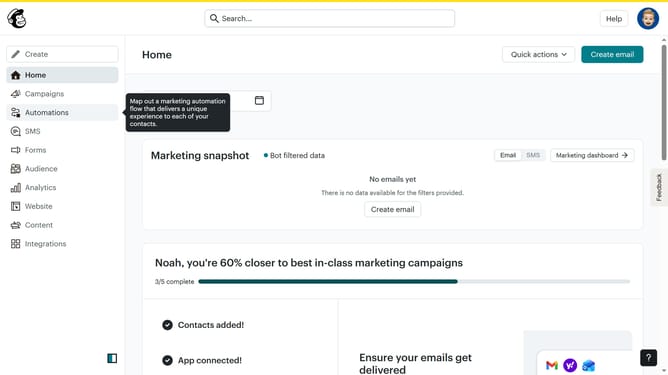
- First click on the "Home" link in the left sidebar.
- Then click on the "Edit" button.
- Next, click on the "Edit design" button.
- Then click on the text block that you want to duplicate
- Next, click on the "Duplicate" icon, which looks like two stacked squares with a plus sign
- Then click on the "Save & Close" button in the bottom right corner
- Finally, click on the "Save & Close" button at the bottom of the page
Why should you duplicate text block in a landing page in Mailchimp
Mailchimp is a powerful platform designed to simplify your marketing efforts, making it easy to connect with your audience.
One of its standout features is the ability to duplicate text blocks in a landing page. This functionality enables users to effortlessly replicate content, maintaining a consistent design across different sections of a page.
With this feature, creating uniform messaging becomes seamless, enhancing the efficiency of your content creation process.
Duplicating text blocks saves time and ensures a cohesive brand narrative throughout your landing pages.
Last update