How to delete notes on a contact in Mailchimp
Here is how to delete notes on a contact in mailchimp
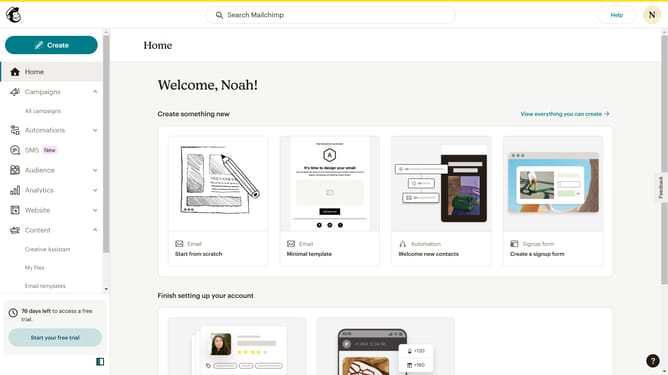
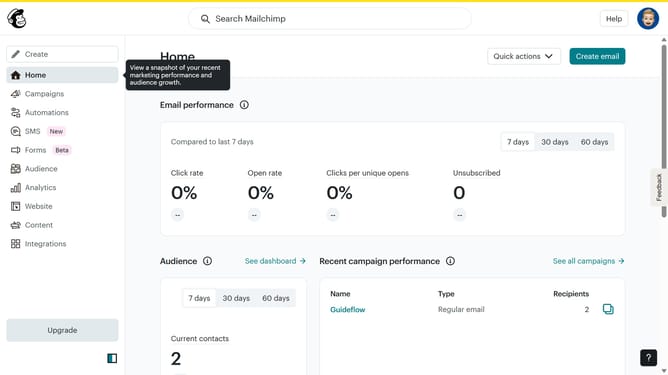
- First click on "Audience" in the left sidebar menu
- Then click on the email address in the contacts list to access the contact profile
- Next click on the "Notes" tab in the contact profile navigation menu
- Then click on the "More options" button (three dots menu) next to the existing note
- Next click on the "Delete" option from the dropdown menu
- Finally click the "Confirm Delete" button in the delete confirmation dialog
Why should you delete notes on a contact in Mailchimp
Mailchimp is a leading email marketing platform that helps businesses reach and engage their audiences effectively.
One of its useful features is the ability to delete notes on a contact, which ensures that your contact information remains current and relevant.
By removing outdated or irrelevant notes, you create a cleaner database, aiding in better decision-making and personalized communication.
This feature enhances your marketing strategy by maintaining precise contact records, ultimately fostering stronger connections with your audience.
Last update