How to make the button pill-shaped in an email campaign in Mailchimp
Here is how to make the button pill-shaped in an email campaign in mailchimp
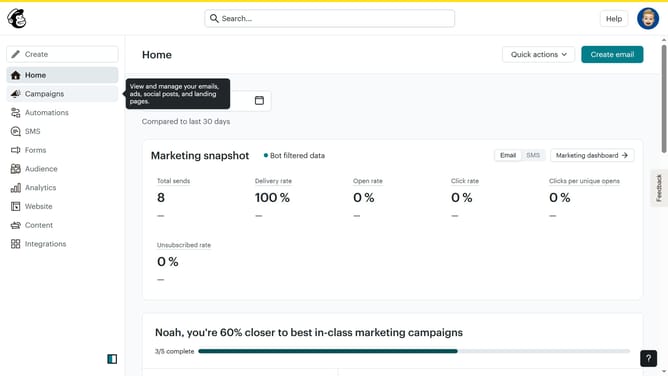
- First click on "Campaigns" item in the left sidebar
- Then click on "Edit" button
- Then click on "Edit design" button
- Then click on "Styles" item in the left sidebar
- Then click on "Button" item in the left sidebar
- Finally select "Pill" option for the button shape
Why should you make the button pill-shaped in an email campaign in Mailchimp
Mailchimp is a powerful tool designed to help businesses effectively manage and optimize their email marketing efforts.
One visually appealing feature in Mailchimp is the ability to create pill-shaped buttons in your email campaigns. This design choice not only enhances the simplicity and elegance of your emails but also makes call-to-action elements more eye-catching and engaging for recipients.
Utilizing a pill-shaped button can improve the user experience by drawing attention without being overly aggressive, potentially leading to better interaction rates and increased conversion.
Last update