How to change line spacing in Mailchimp
Here is how to change line spacing in mailchimp
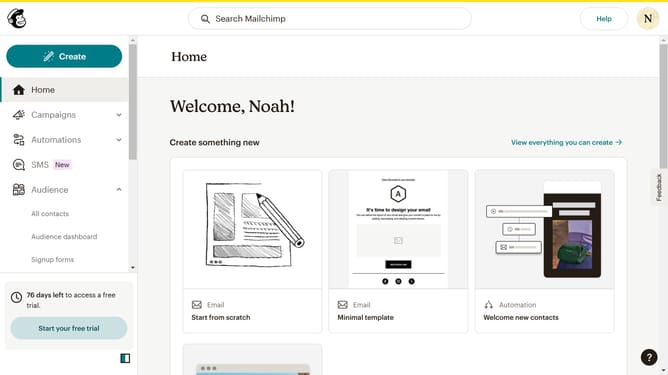
- First, click on the "Create" button in the top navigation bar
- Then click on the "Design Email" button in the regular email section
- Next, click on the "Apply" button in the template card
- Select a text block in your email
- Click on the line spacing button in the top toolbar
- Pick your preferred line spacing to change it
- Finally, click on the "Save and exit" button in the top right corner
Why should you change line spacing in Mailchimp
Mailchimp is a powerful email marketing platform that helps businesses effectively reach and engage their audiences.
A valuable feature of Mailchimp is the ability to change line spacing in your email campaigns. Adjusting line spacing can significantly enhance readability and aesthetic appeal, ensuring that your message is both clear and visually pleasing.
This feature comes in handy when you wish to emphasize particular sections or create a more inviting layout, ultimately improving the recipient's reading experience and boosting engagement.
By customizing line spacing, you can create professional-looking emails that reflect your brand’s style and elevate communication with your audience.
Last update