How to rename a group in Mailchimp
Here is how to rename a group in mailchimp
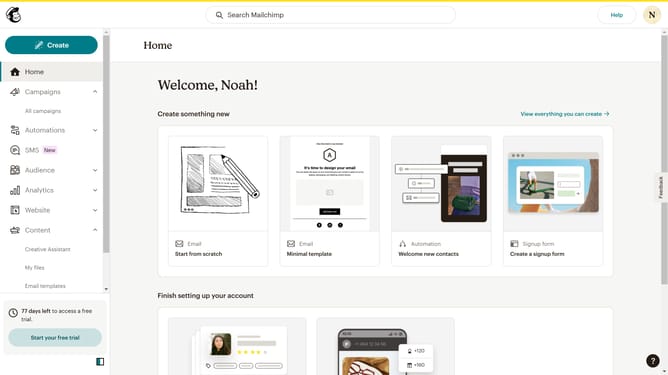
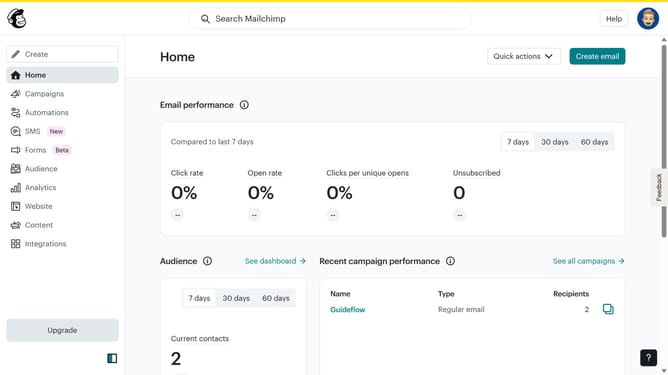
- First click on "Audience" in the left sidebar menu
- Next click on the "More options" dropdown button in the top-right corner of the Contacts page
- Then select "Groups" from the dropdown menu that appears
- Next click the "View group" dropdown button in the top-right corner of the Groups section
- Then select "Rename" option from the dropdown menu
- Next click on the text input field in the "Rename group category" dialog box
- Finally click the "Rename group category" button at the bottom of the dialog
Why should you rename a group in Mailchimp
Mailchimp is a powerful marketing automation platform designed to enhance customer engagement through personalized email campaigns.
One valuable feature in Mailchimp is the ability to rename a group. This functionality ensures that your subscriber lists remain organized and easily identifiable, allowing for streamlined communication and targeted marketing efforts.
Renaming a group helps reflect any changes in your business strategy or audience segmentation. It supports precise management of contacts, ensuring more relevant interactions and improved campaign results.
Last update